How to Update Lead Score/Category in Appointment App
Easily manage your meetings with the appointment request app. An online booking system allows customers to request appointments through an online platform.
Update Lead Score/Category in Appointment App
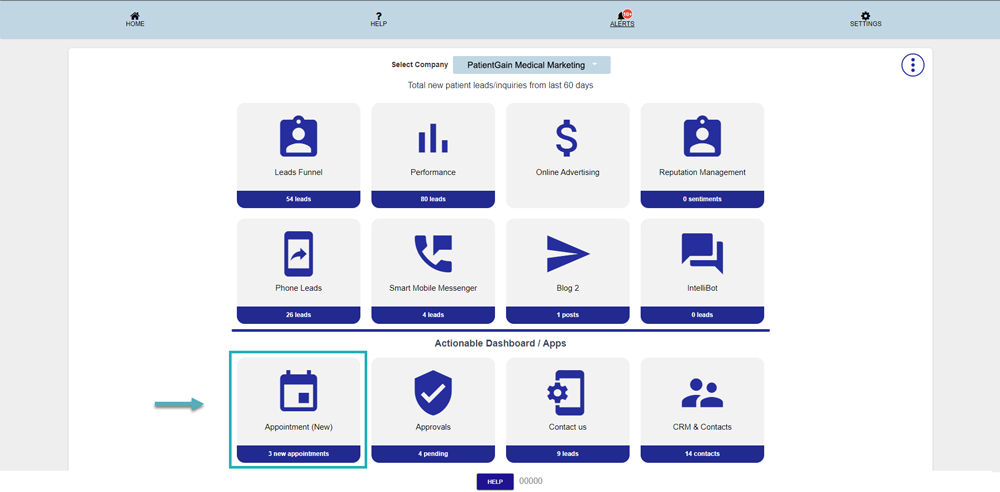
First, Login to your HIPAA Server Dashboard and Click on the “Appointment” app.
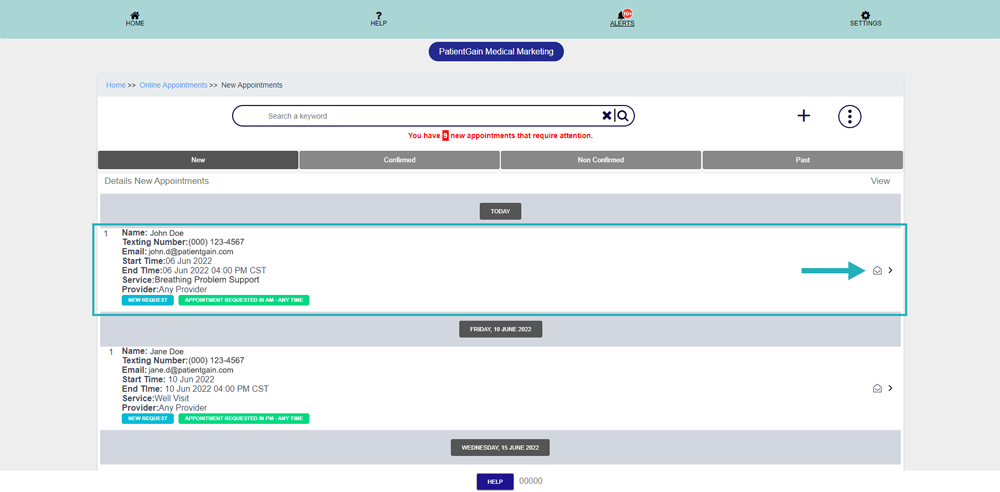
Then, Click on the lead you want to update.
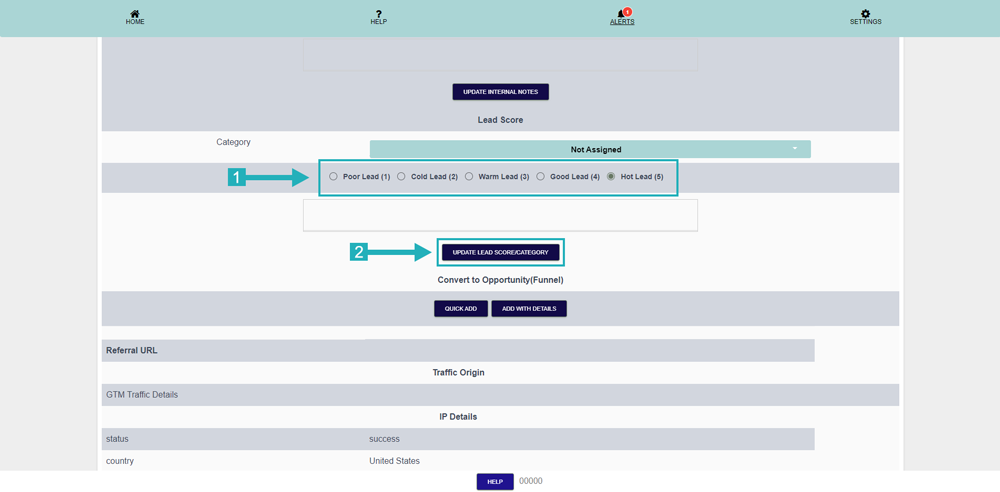
There are 5 options according to the priority,
Select one of them and then click on the “Update Lead Score/Category” button
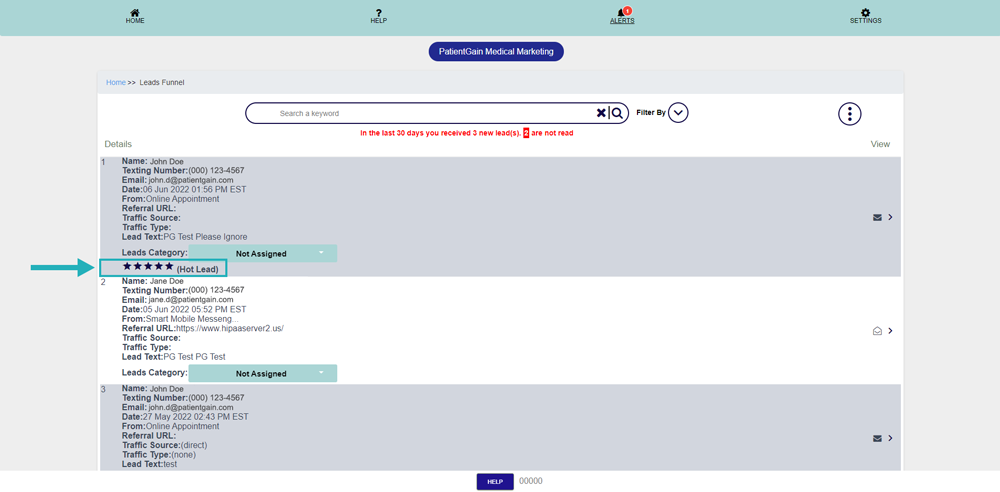
Now go to leads funnel and see the leads category is updated