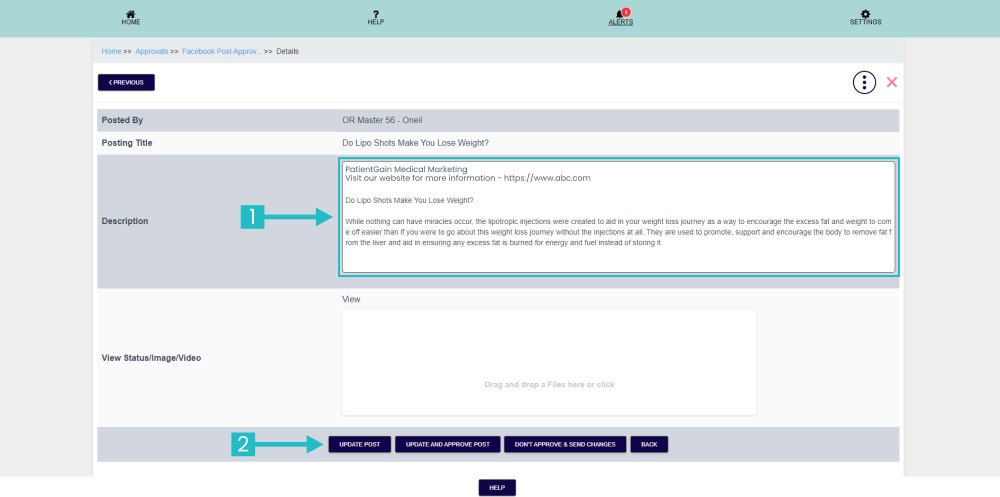
How to Edit Post in Approvals
Edit Post in Approvals
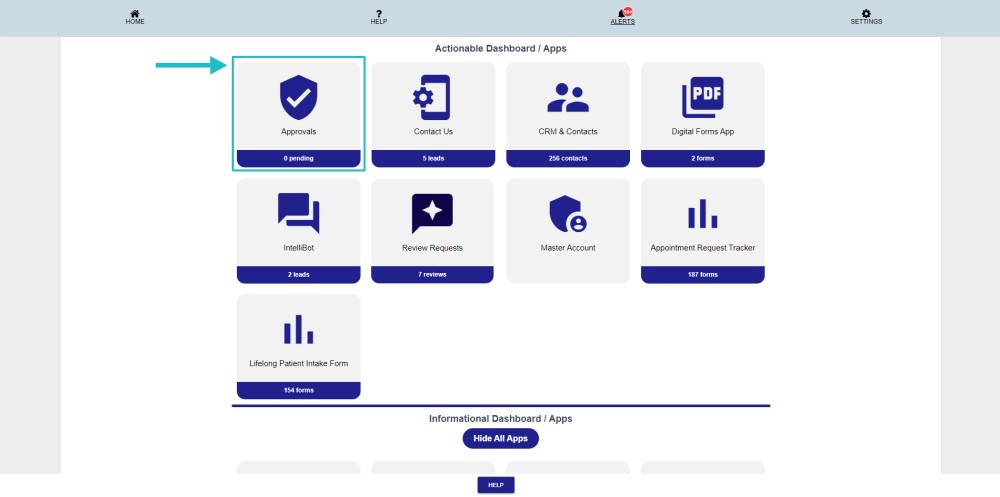
First, Login to your HIPAA Server Dashboard and in the Actionable Dashboard click on the “Approvals” app.
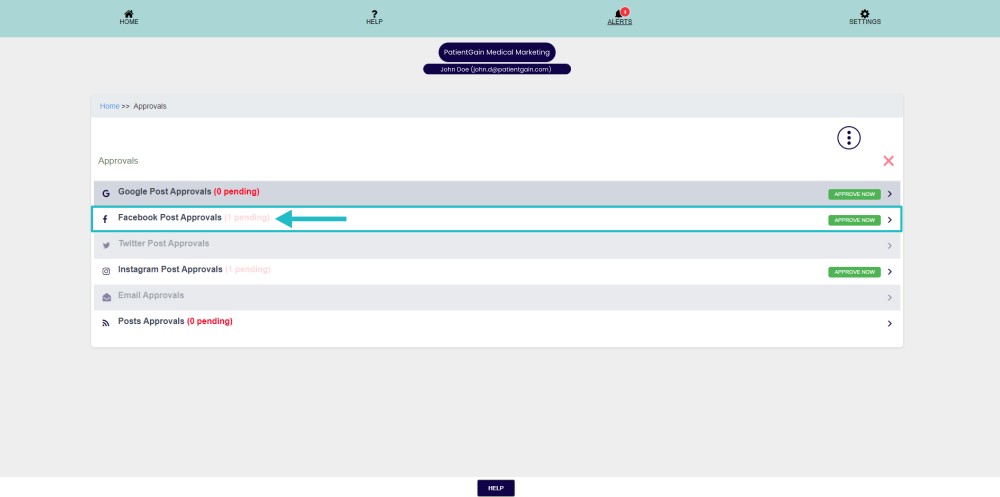
Please select any one platform from here.
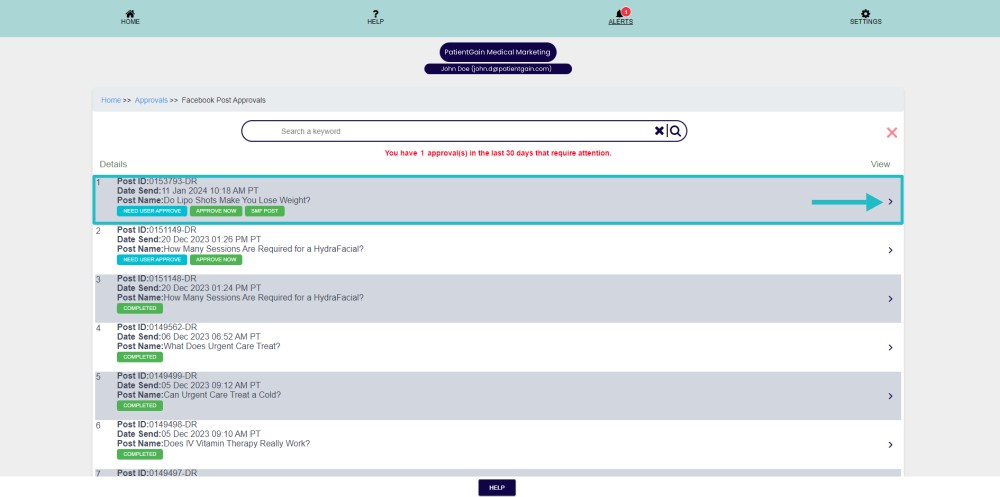
Please select the post from here.
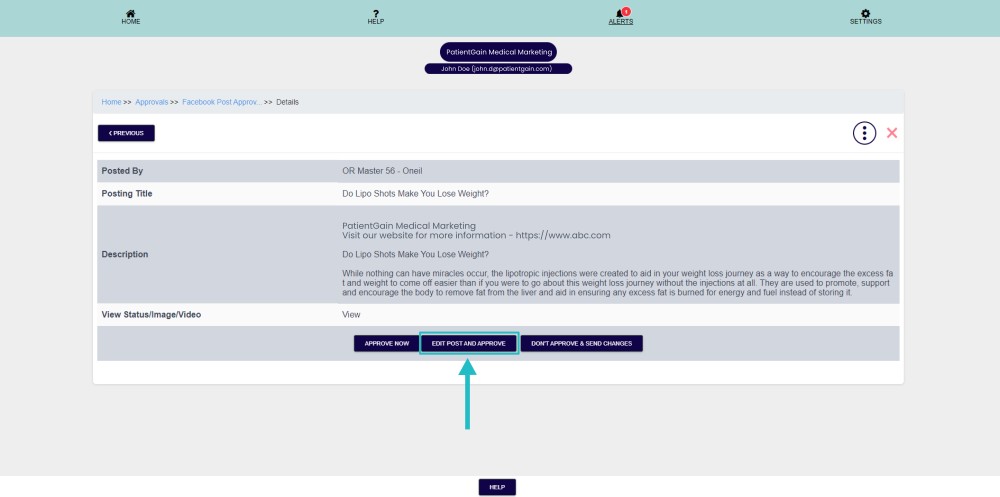
Now please click on the “Edit Post And Approve” button.
Now from here please update the post content and click on the “Update Post” button.