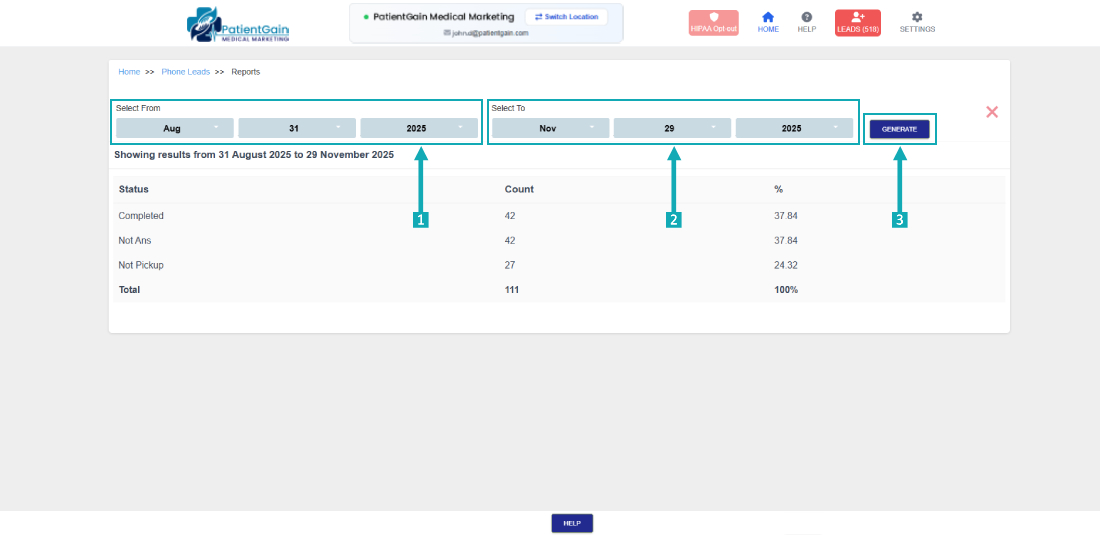
How to Check Report From Phone Leads App
Check Report From Phone Leads App
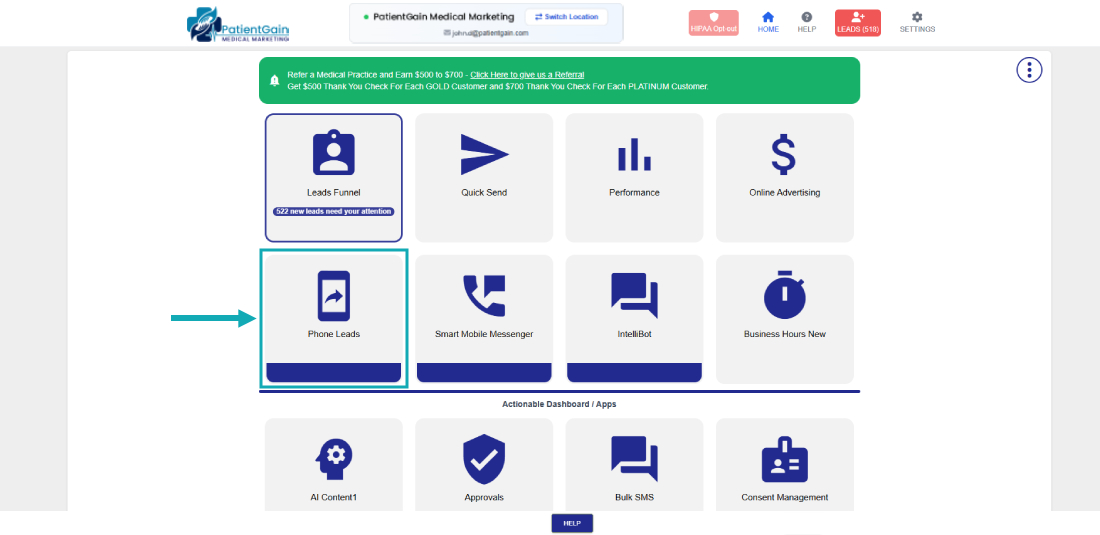
Login into the HS2 dashboard, Click on the “Phone Leads” icon.
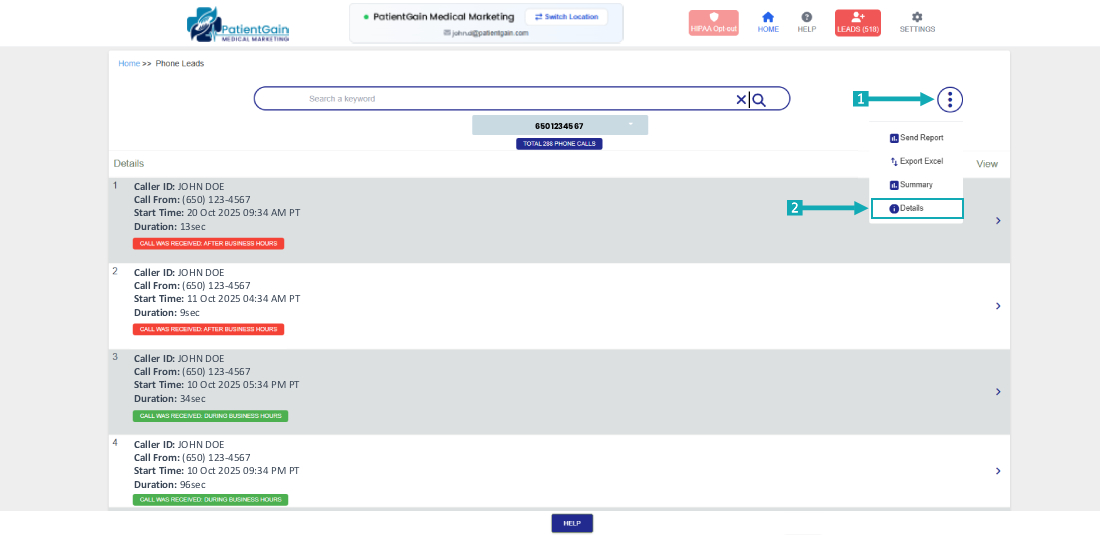
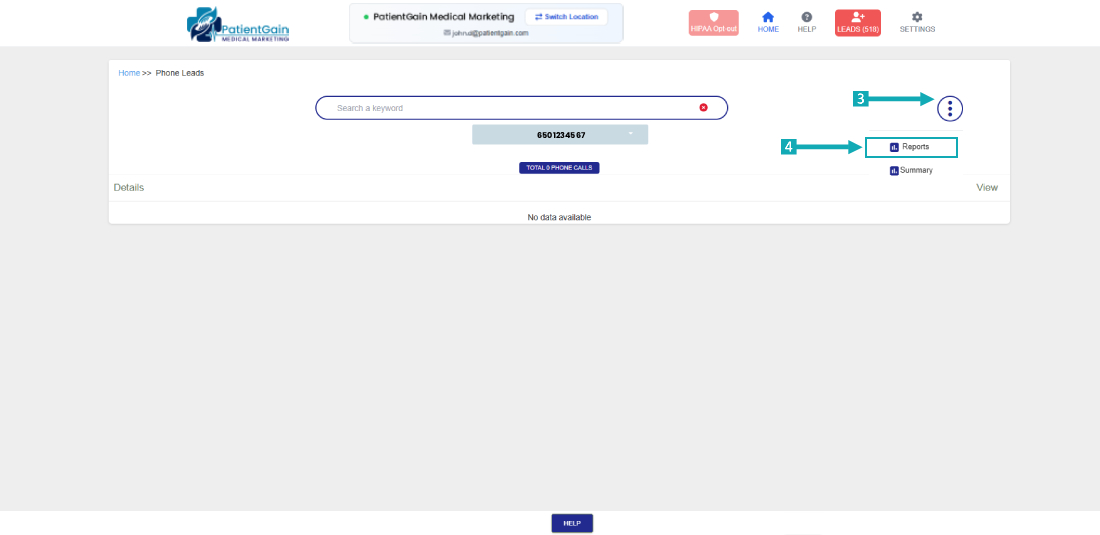
Click on the top right corner “Icon” and then select the “Report” option.
From here, select the time range first and then click on the “Generate” button.