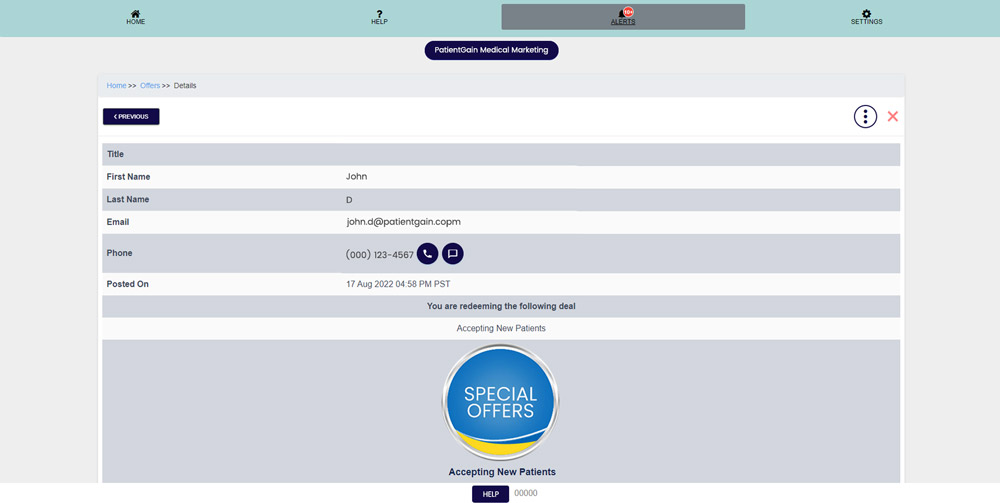
How to Check Redeem Offers
Check Redeem Offers
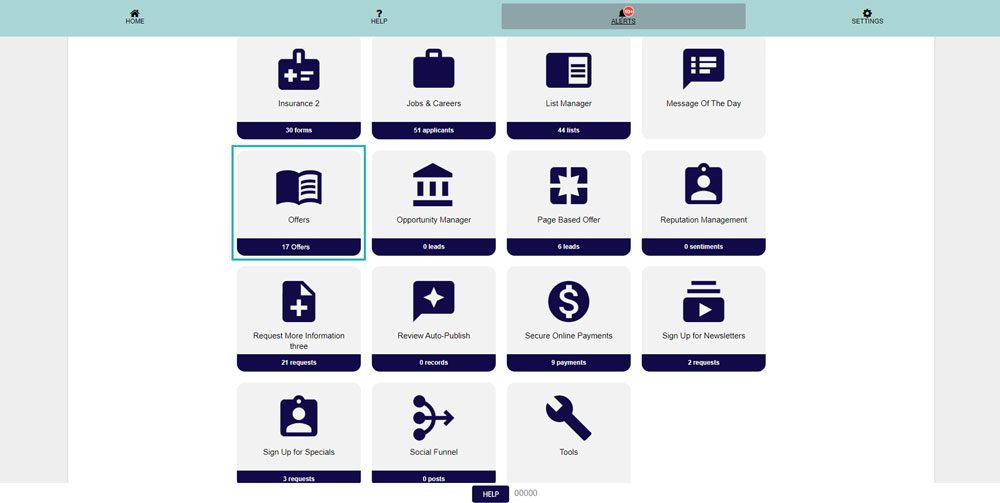
From your Main Dashboard – Click on the “Special Offers App”.
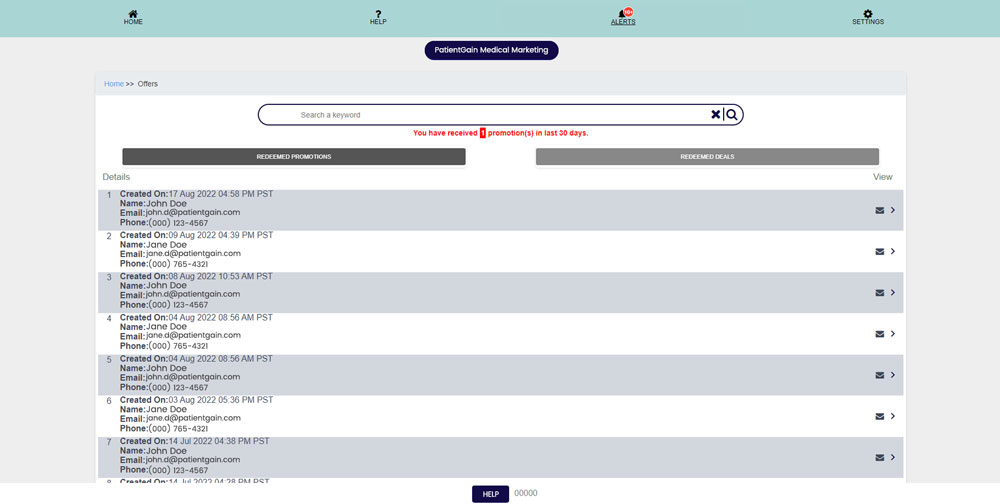
Then, You will see the list of all the redeemed Offers.
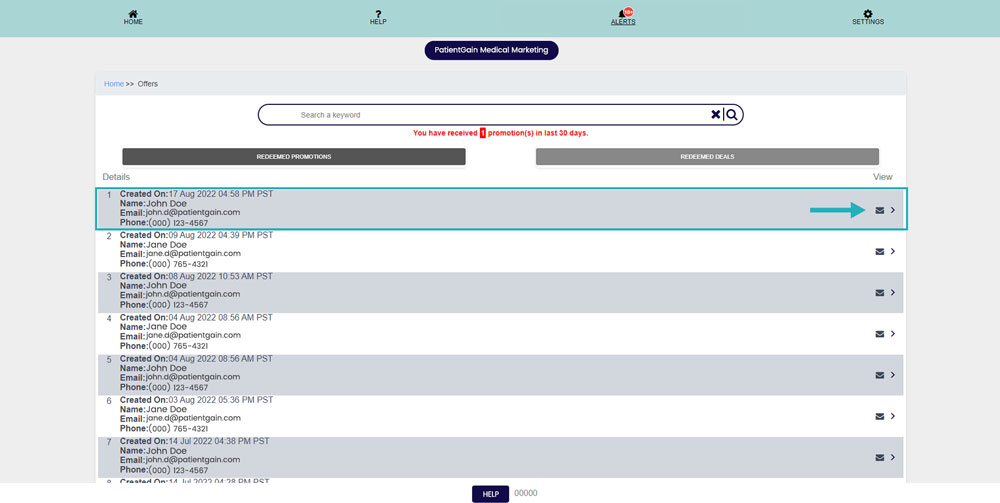
Now, Click on the one you want to view see the details.
Then, On the details page you can see the complete details of the lead. Including which offer they have redeemed.