
How to Add Leads Category in Leads Funnel App
Add Leads Category in Leads Funnel App
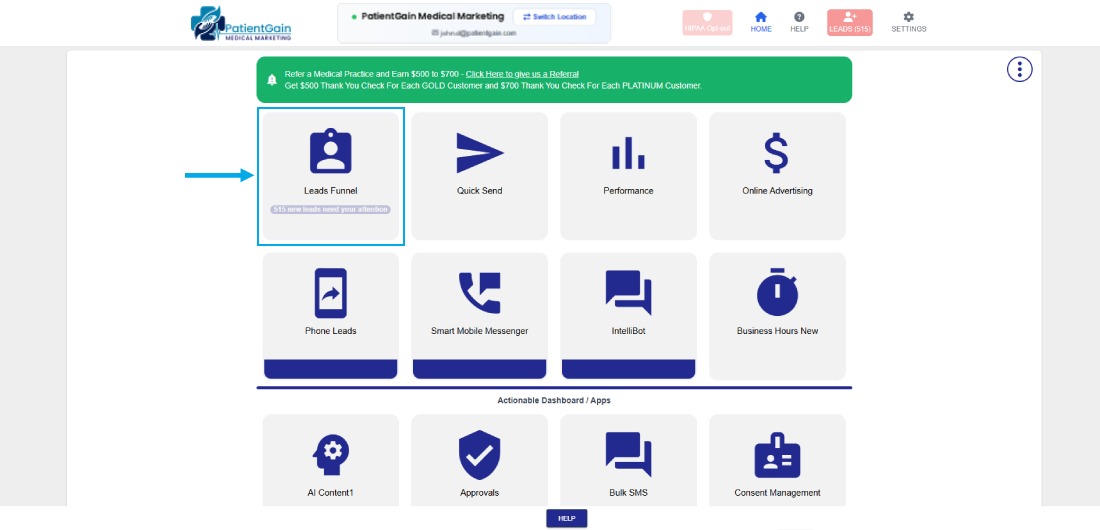
First, Login to your HIPAA Server Dashboard and Click on the “Leads Funnel” app.
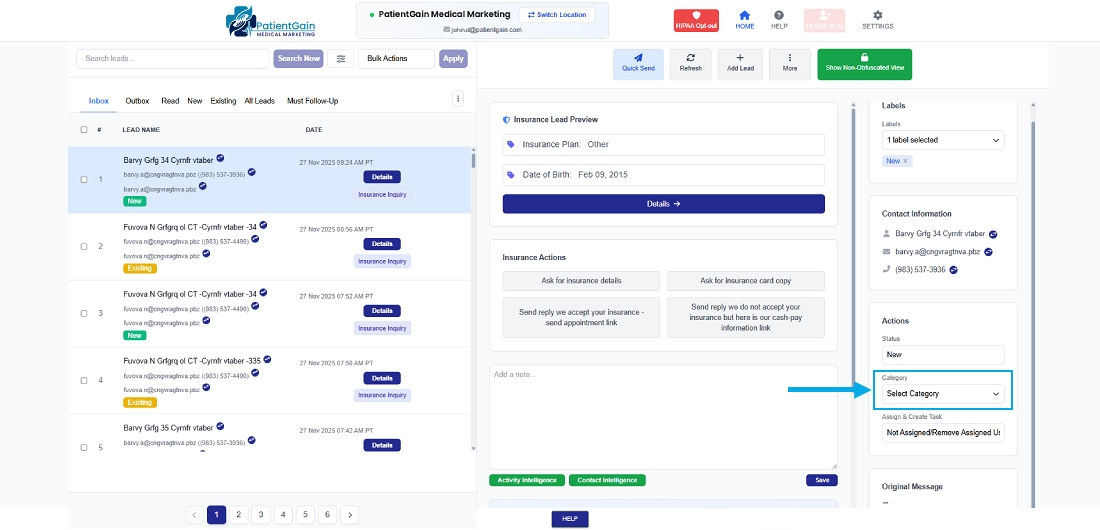
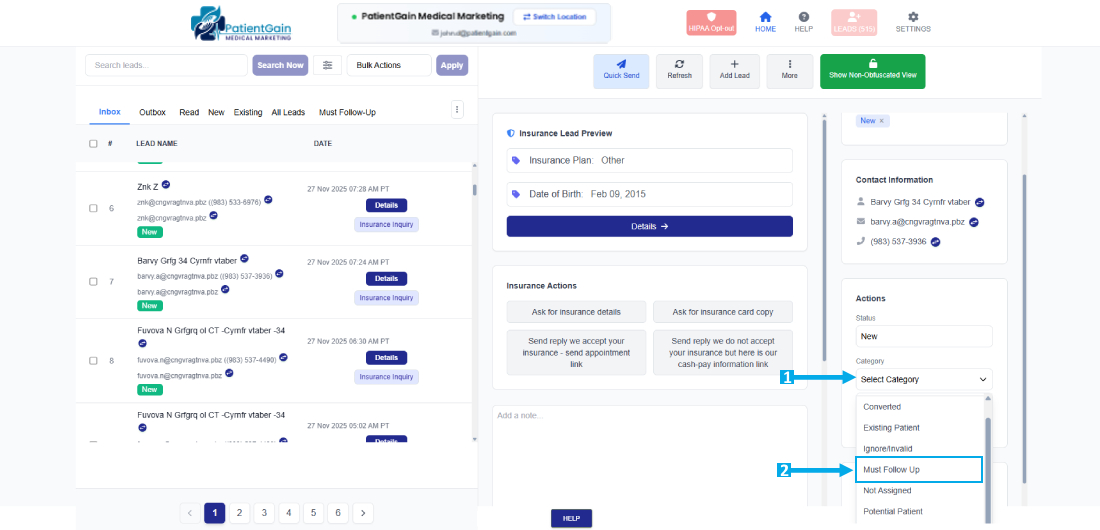
From here, select the “Dropdown” menu and assign the Category.
First, Login to your HIPAA Server Dashboard and Click on the “Leads Funnel” app.
From here, select the “Dropdown” menu and assign the Category.
