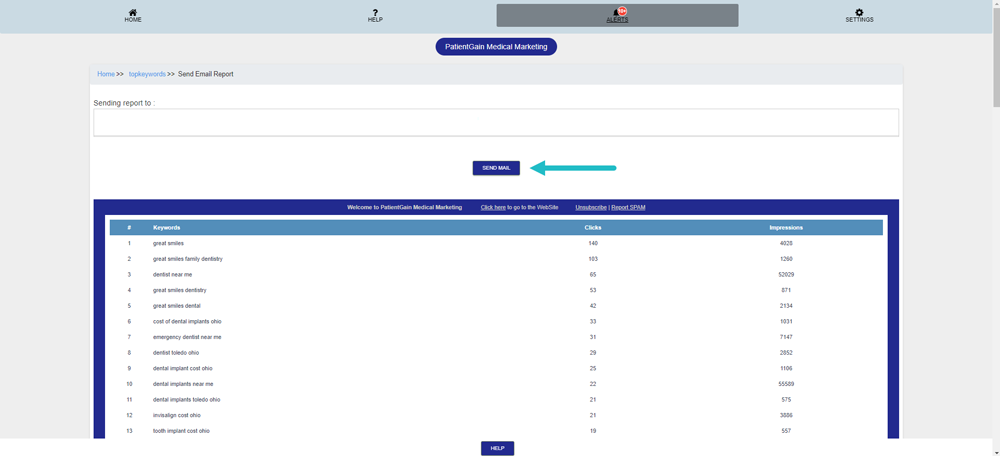
How to Send SEO Summary Report in Email
Send SEO Summary Report in Email
Login to your PatientGain/Logica7 account
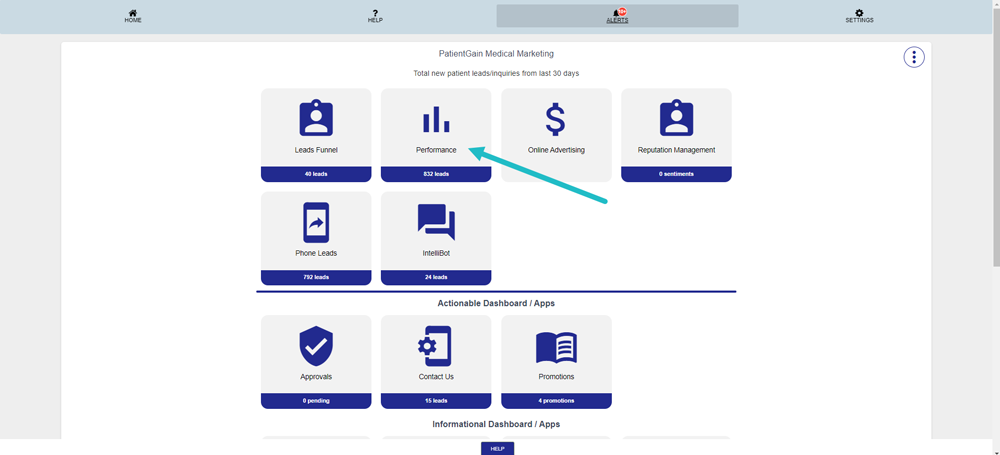
- From the Main Dashboard, Click on the “Performance”.
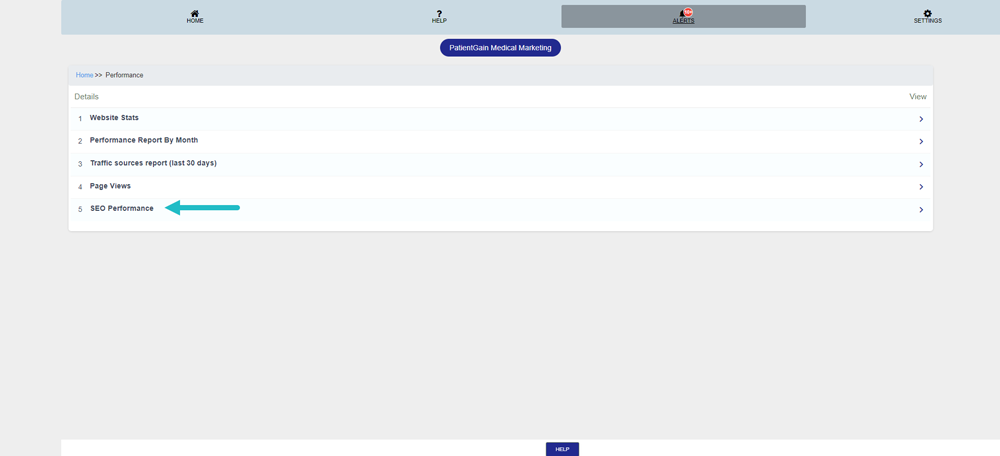
Then, click on the “SEO Performance”.
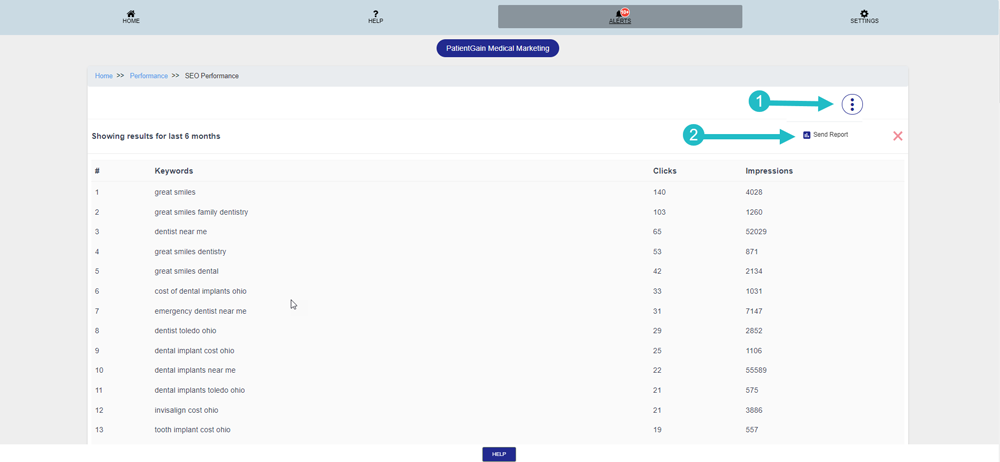
Now, click on Drop Down Menu and then click “Send Report”.
Then, click “Send Mail”.