How to Send Email Report in Appointment App
Easily manage your meetings with the appointment request app. An online booking system allows customers to request appointments through an online platform.
Send Email Report in Appointment App
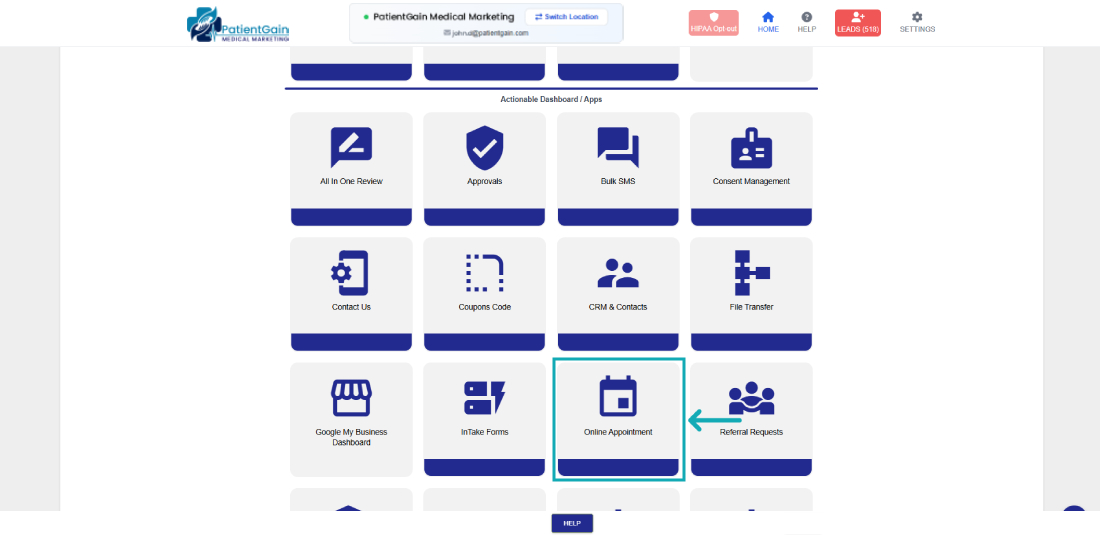
First, Login to your HIPAA Server Dashboard and Click on the “Appointment” app.
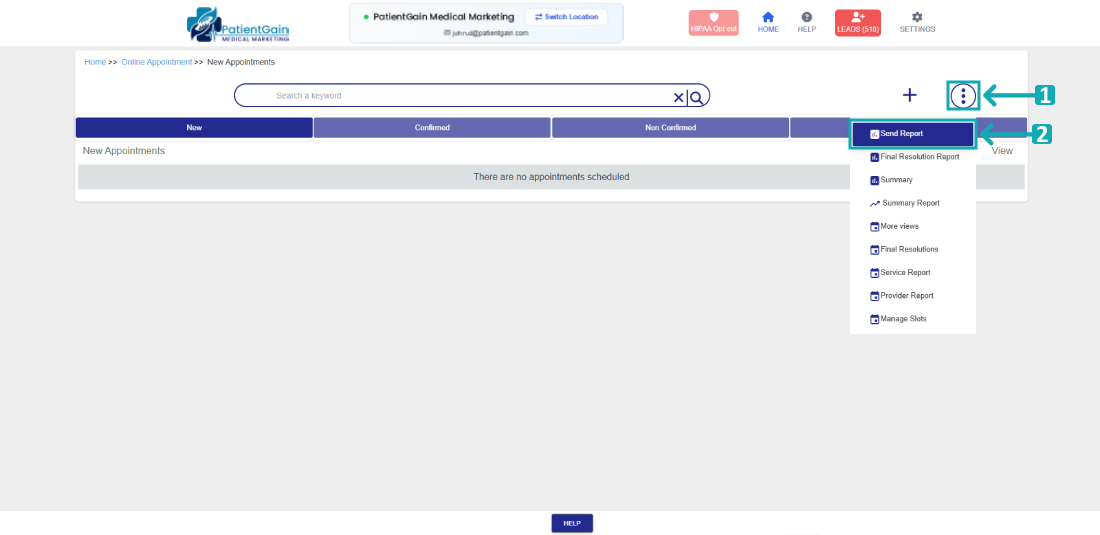
Click on the top right “Icon”, and then click on “Send Report”
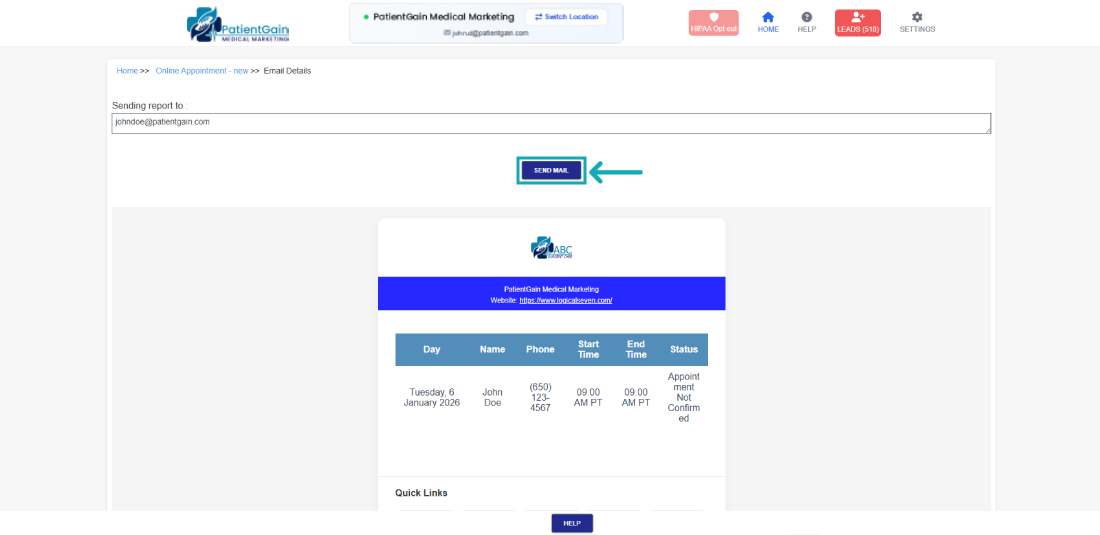
Click on the “Send Mail” button to send the Email.