How To Send Alerts/Reminders For Missed Appointments
Easily manage your meetings with the appointment request app. An online booking system allows customers to request appointments through an online platform.
Send Alerts/Reminders For Missed Appointments
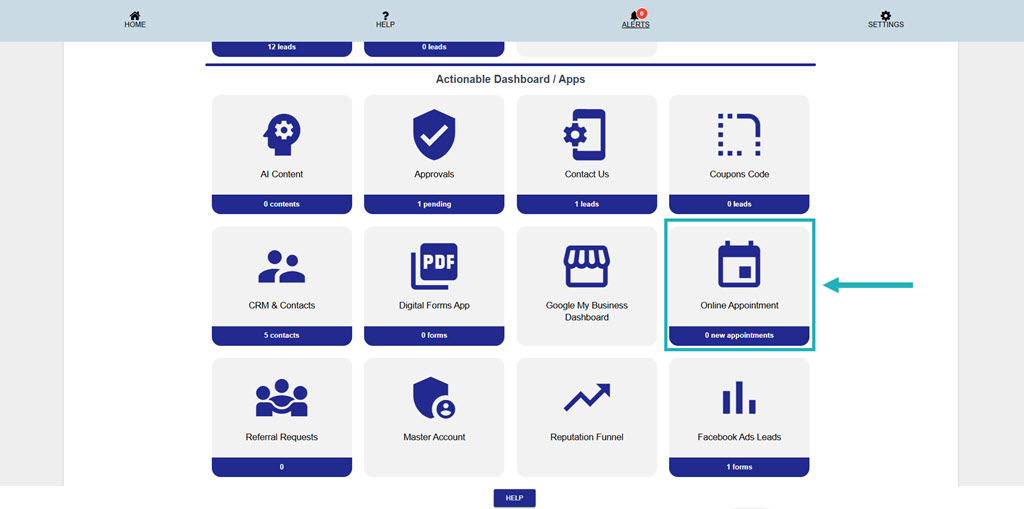
From your Main Dashboard – Click on the “Online Appointments” app.
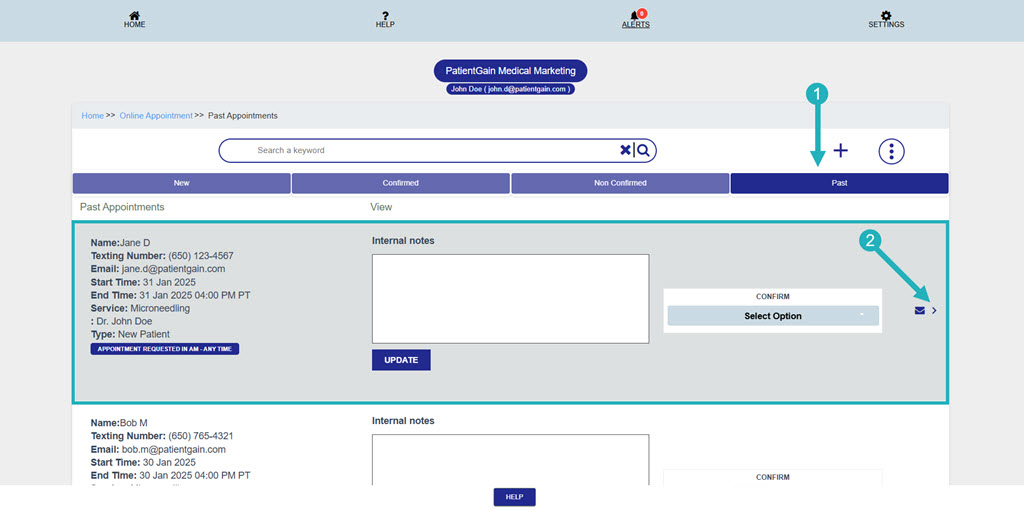
Then, click on the “Past” appointment option and then click on the appointment you want to send the reminder.
Then, on the details page you will see the complete details of that appointment.
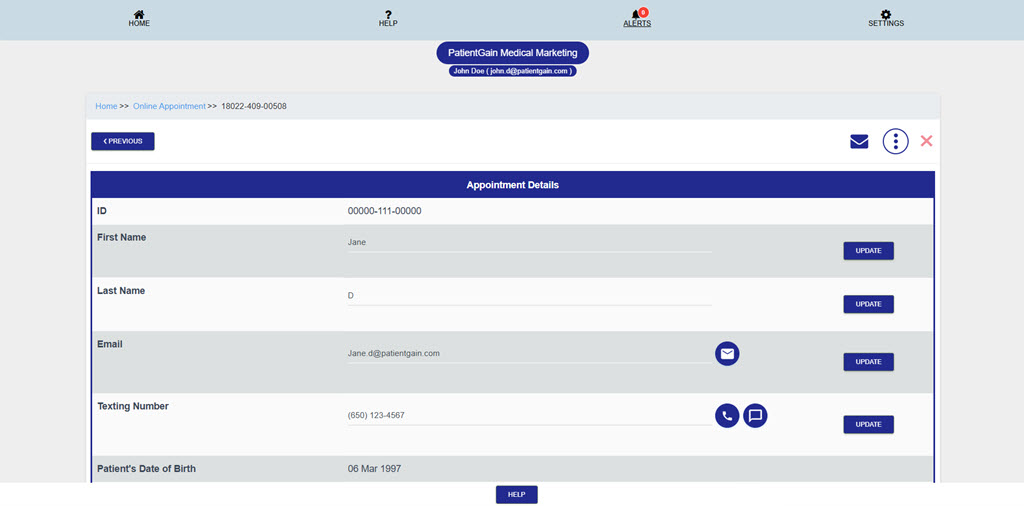
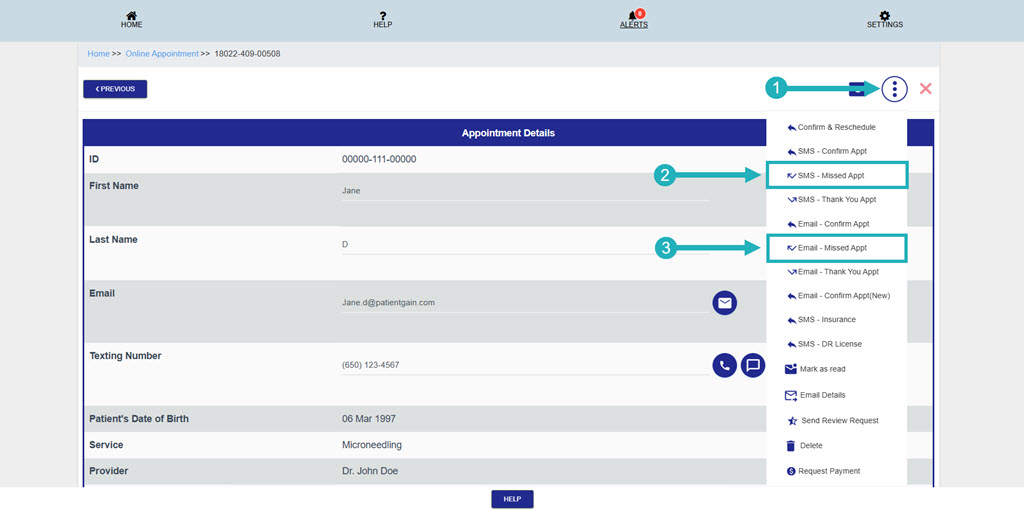
Now, click on the “More options” icon from the top right corner and then you will see the following options:
- SMS – Missed Appointment – From this option Patient will receive a text to reschedule the appointment or book a new appointment.
- Email – Missed Appointment – From this option Patient will receive an email to reschedule the appointment or book a new appointment.
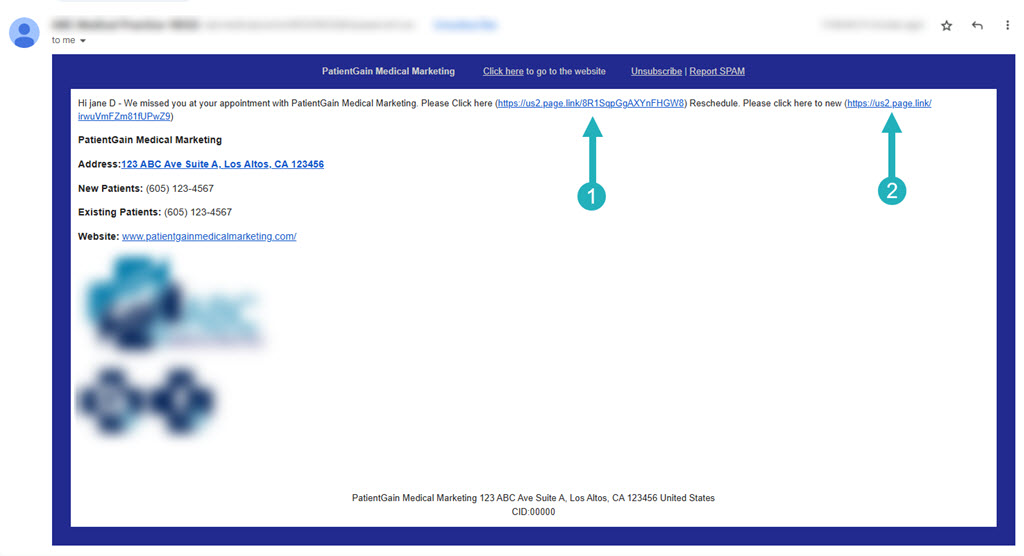
Now, The Patient will receive the email or text with the link to reschedule the appointment or book a new appointment.
Preview of the Email: