How to Check Advertising Performance Data
Advertising App Guide
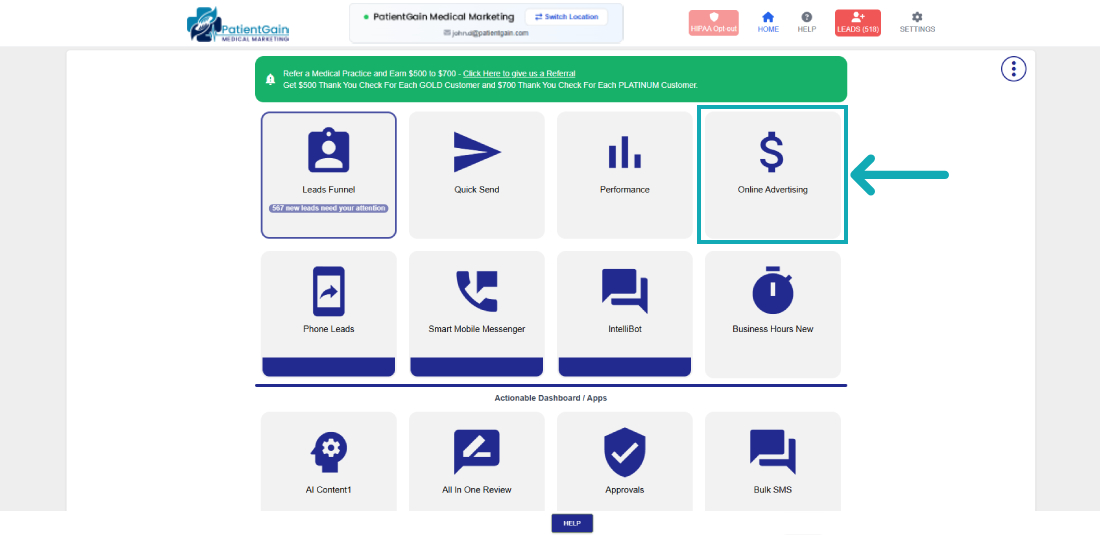
From the Main Dashboard – Click on the Advertising App.
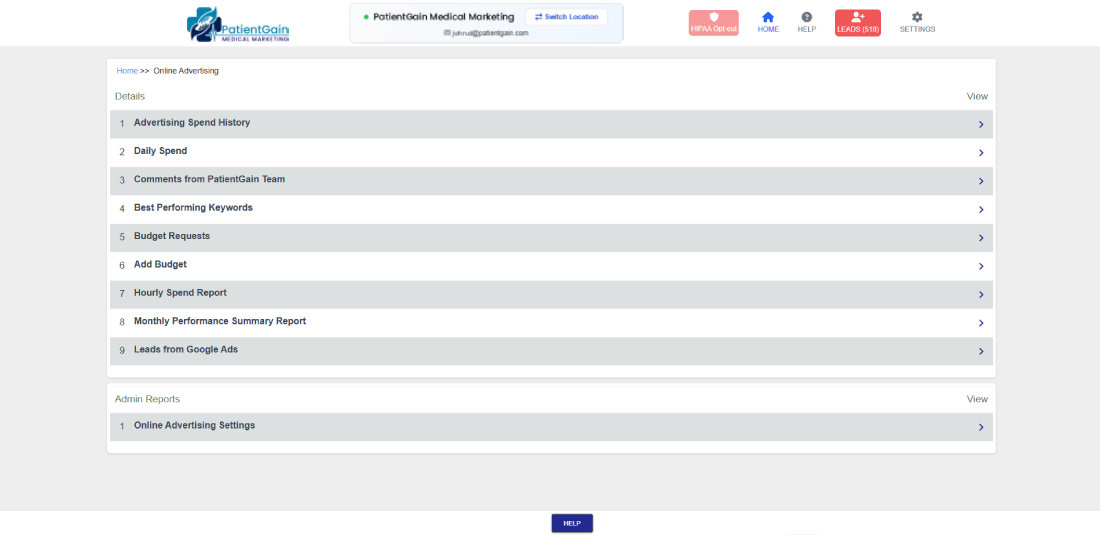
Now you will see the various kinds of reports which our Dashboard offer:
- Daily Spend: This report shows the complete data of how much you are spending on daily basis on your ads.
- Best Performing Keywords: This report shows which of your keywords are performing higher conversion on your ads.
- Budget Requests: In this area you can see the history of all your budget requests from the past.
- Add Budget: In this area you can request to change your budget or increase your current monthly budget.
- Daily Target Budget: In this report you can see how much budget you have set for your daily campaigns.
- Hourly Spend Report: In this report you can see the data your hourly spendings.
- Monthly Performance Summary Report: In this report you can see the monthly summary of your ads spendings.