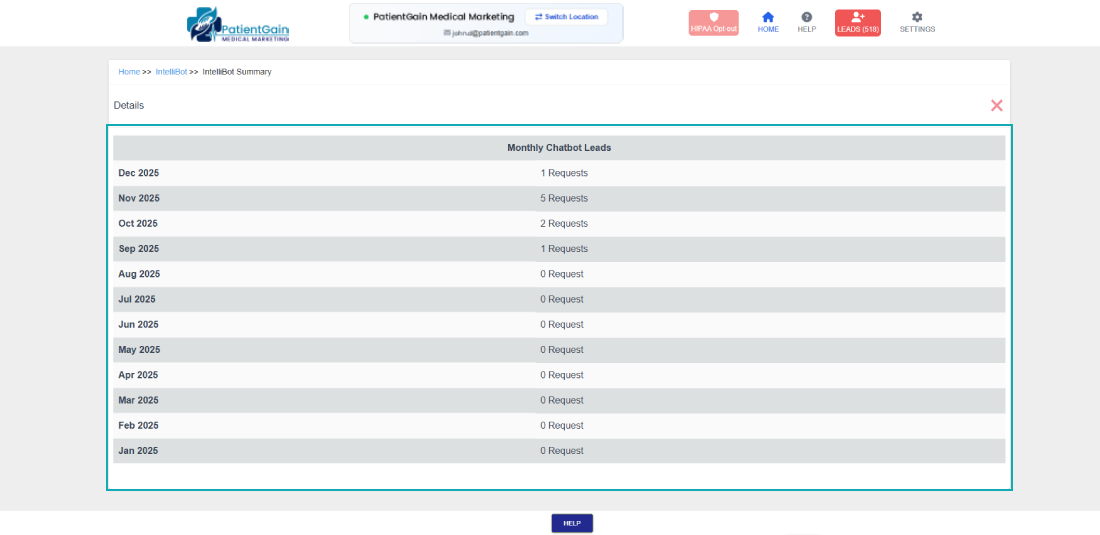
How to Check Monthly Chatbot/IntelliBot Summary
Check Monthly IntelliBot Summary
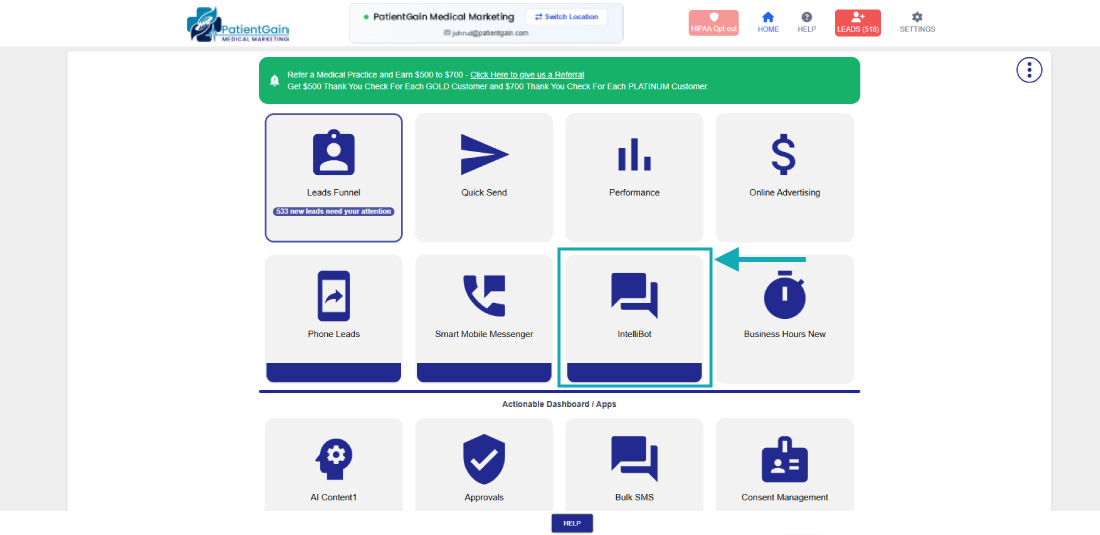
First, Login to your HIPAA Server Dashboard and Click on the “IntelliBot” app.
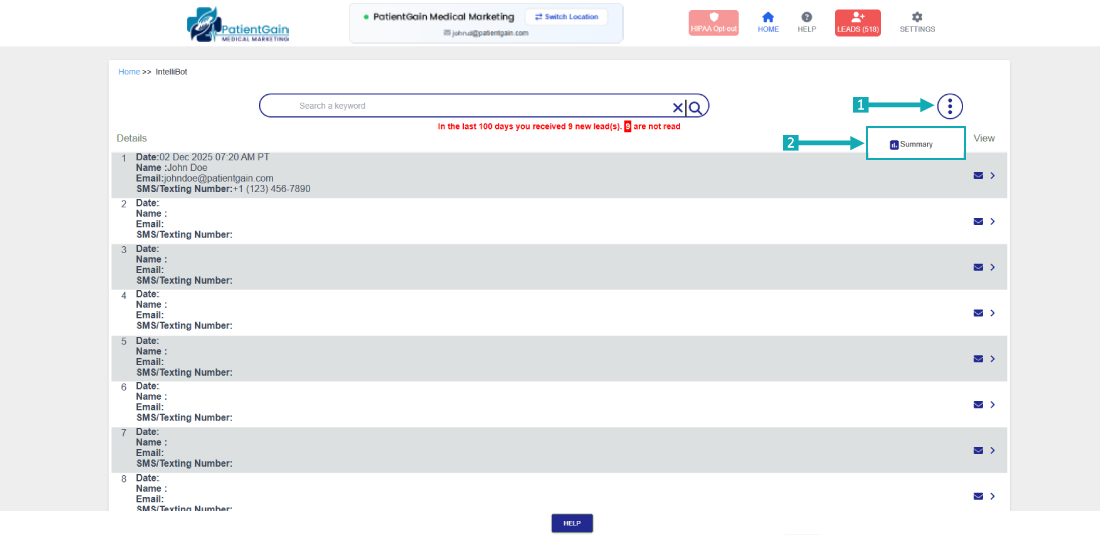
Click on the top right “Icon”, and then click on “Summary”
Here you can find the Summary list on Monthly Basis