How to Request an Account Review
Request an Account Review
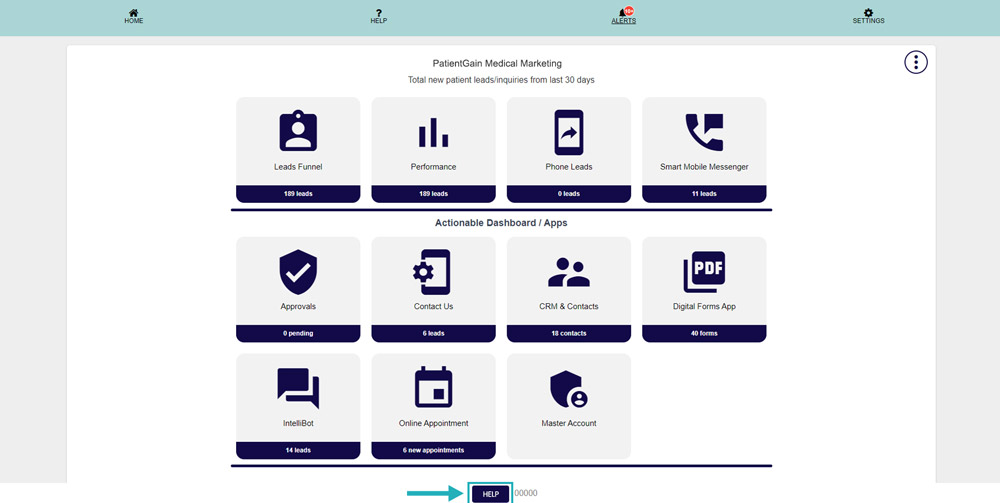
First, Login to your HIPAA Server Dashboard and in the Informational Dashboard and click on the “Help” button on the bottom of the screen.
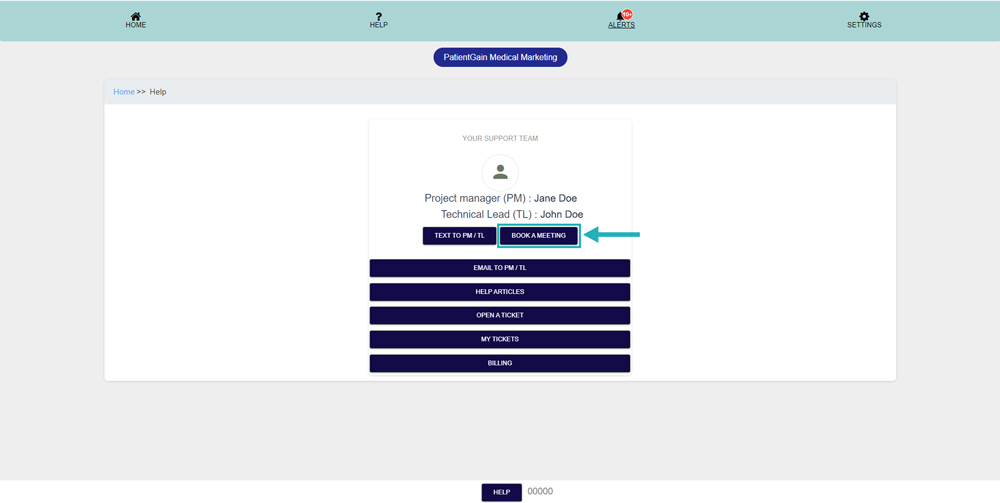
On this page, click on the “Book a Meeting” button.
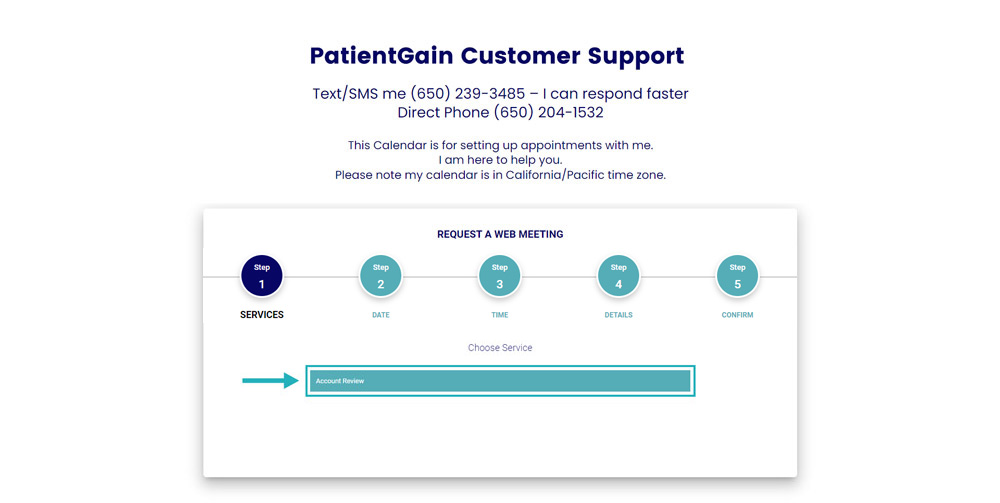
From here select the “Account Review” option.
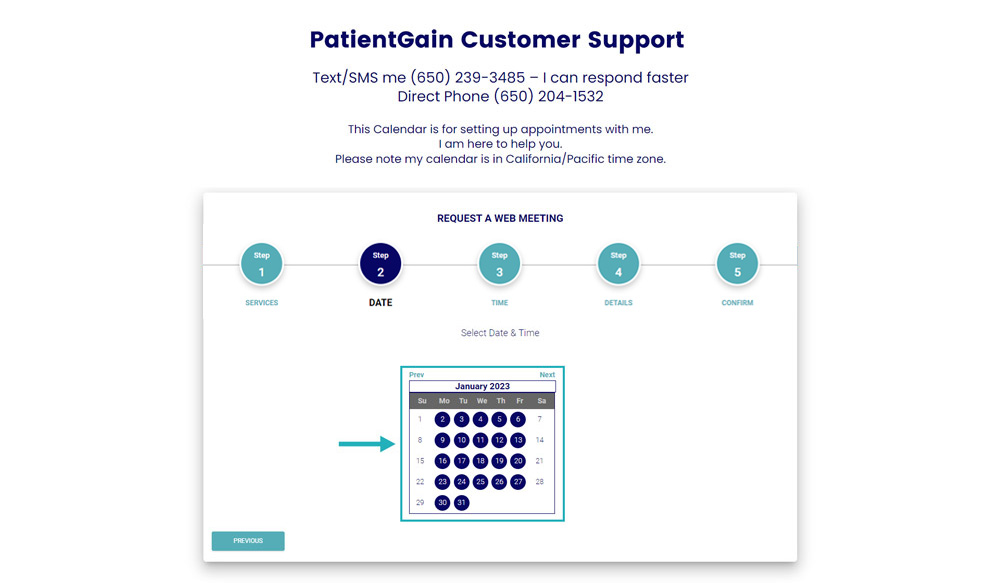
Now, please select the date from the calendar.
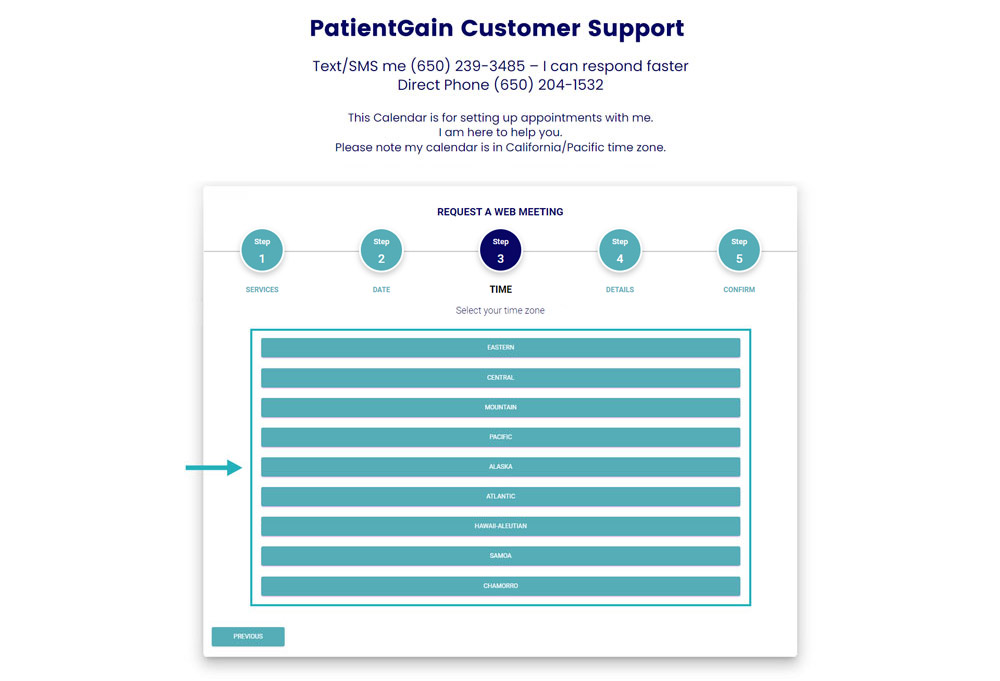
Then, please select your “Time zone” from the list.
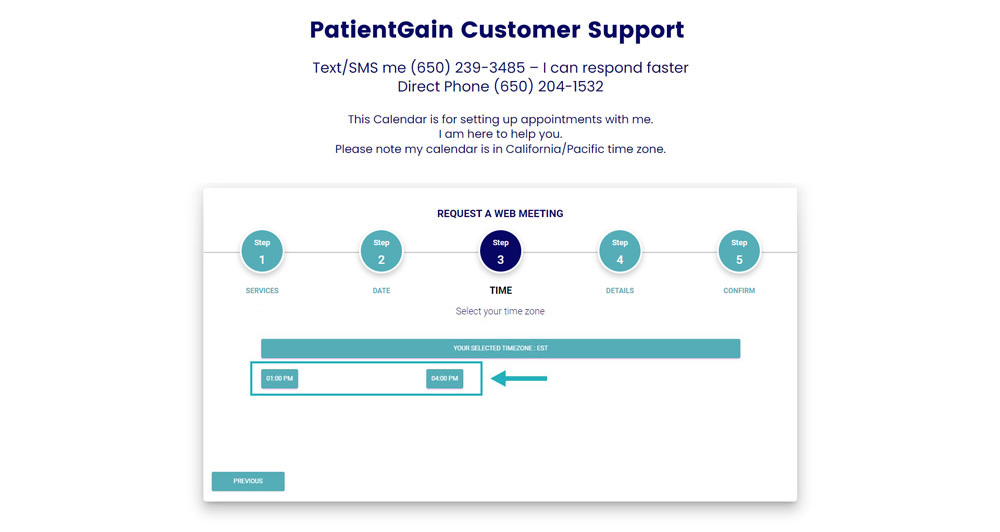
Please select your suitable time for meeting from the available time slots.
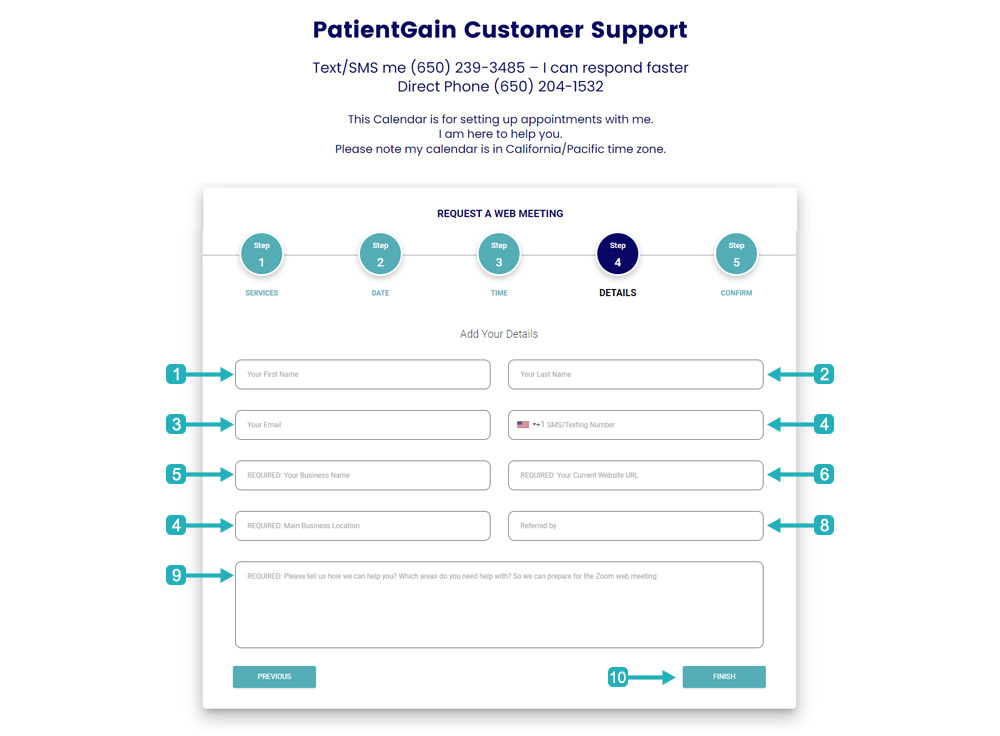
Now, Please fill out the form with your information and then click on the “Finish” button.