How to Delete Contacts From PatientGain/Logica7 Dashboard
Deleting Contacts from CRM Guide
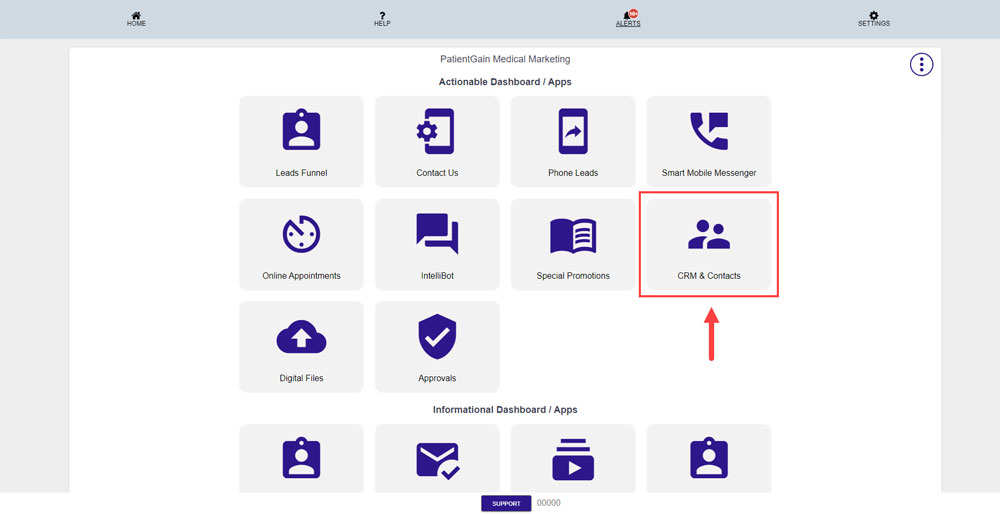
First, Login to you PatientGain/Logica7 Dashboard and Click on “CRM & Contacts” app.
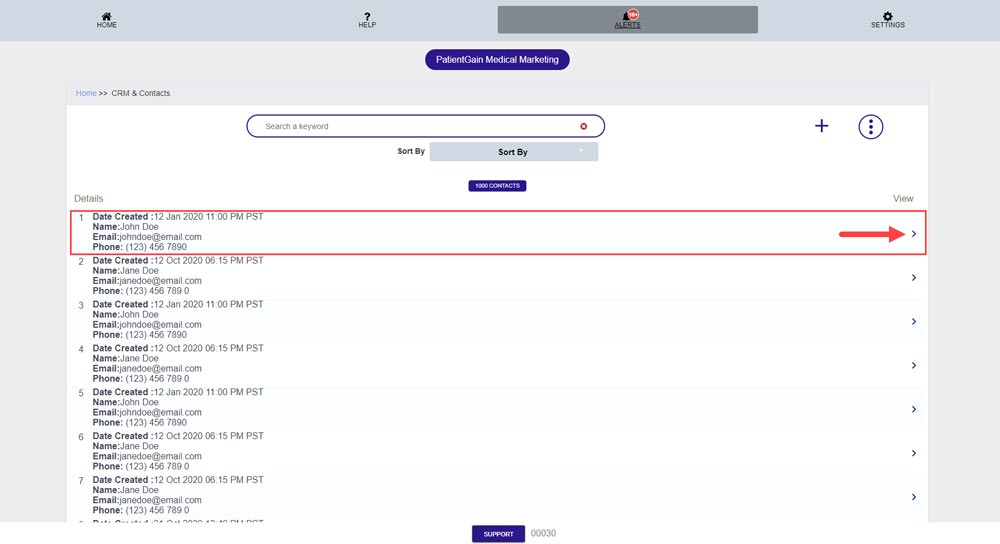
Now, You will see the List of all the contacts in your CRM/Contacts Manager – Click on the “View Icon” in front of the contact you want to delete.
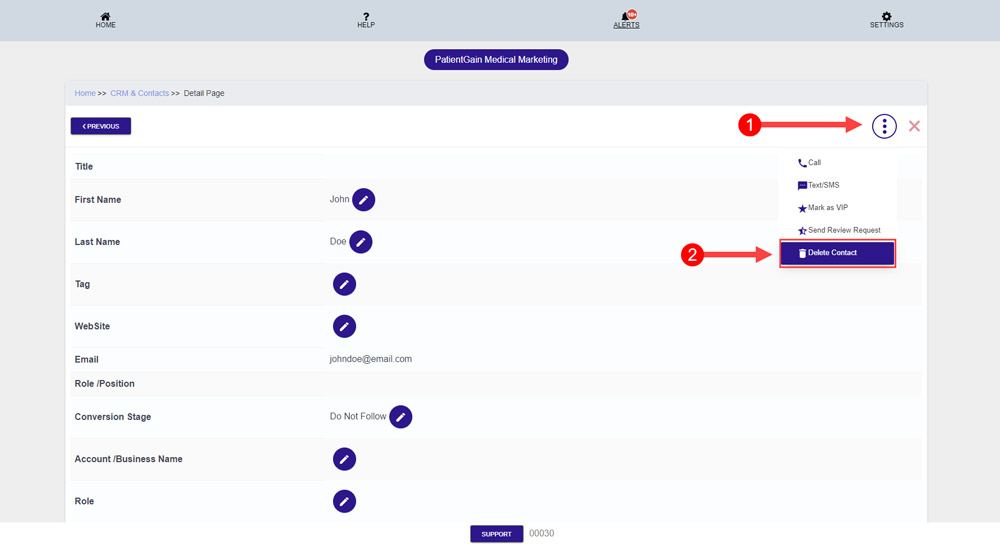
Then, Click on the “View More” icon from the top right corner. And then click on the “Delete Contact”.
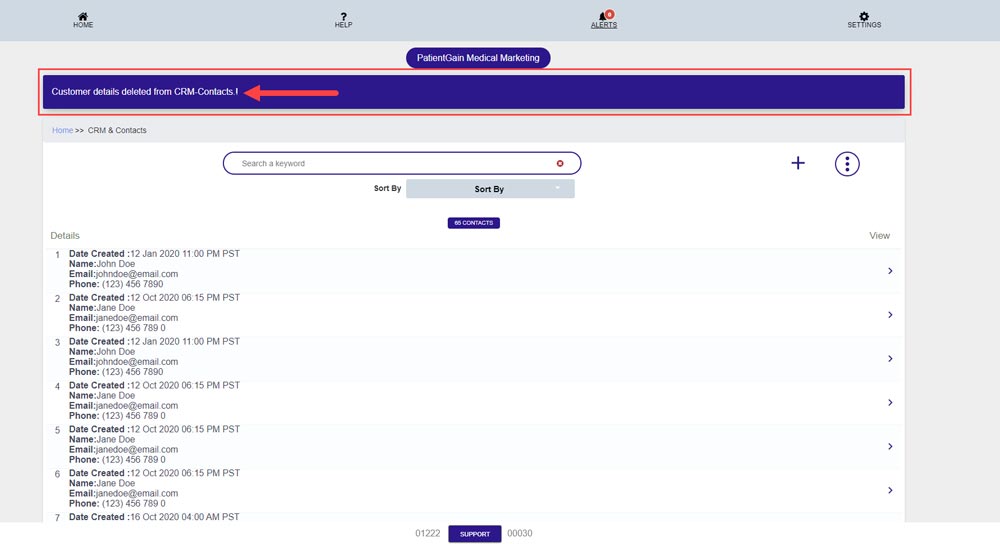
Now, You will see the Message “Customer details deleted from CRM-Contacts!” – This means contact have been delete successfully.