How to Change the Monthly Budget
Advertising Budget Change Guide
Login to your PatientGain/Logica7 account
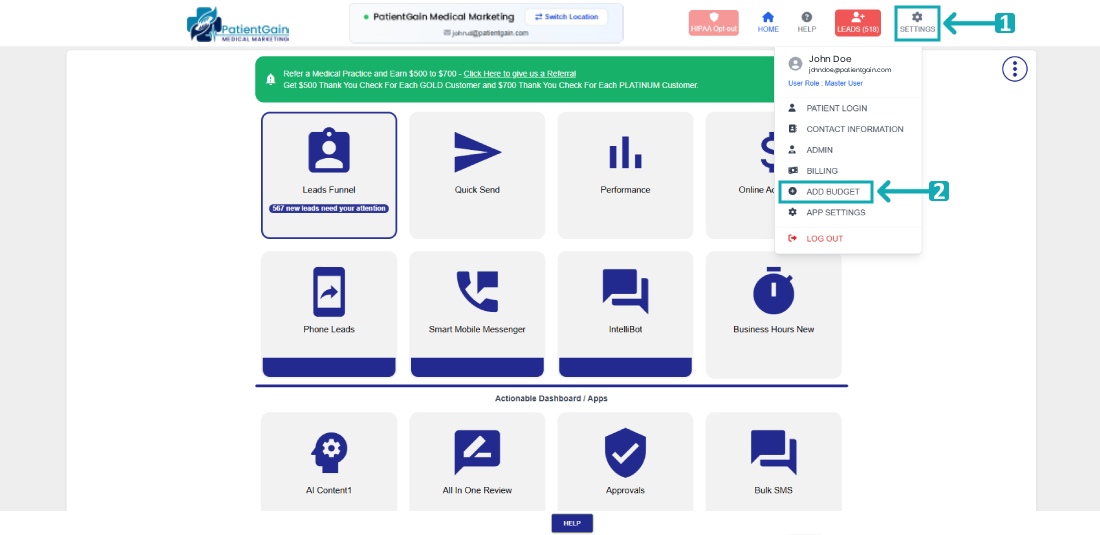
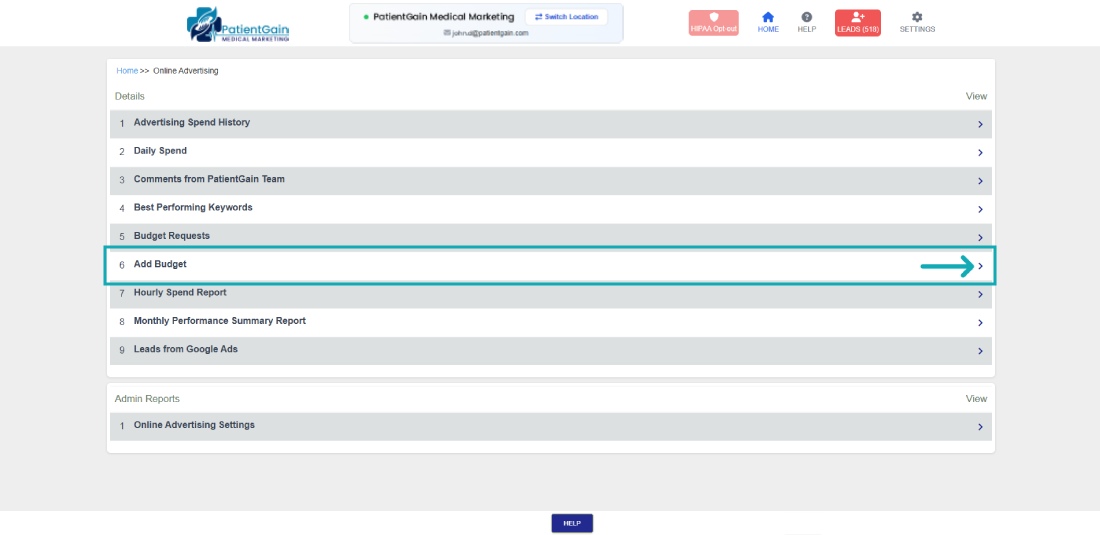
From the Main Dashboard, click on the “Settings” from the top right corner and then click on “Add Budget” from the drop-down menu.
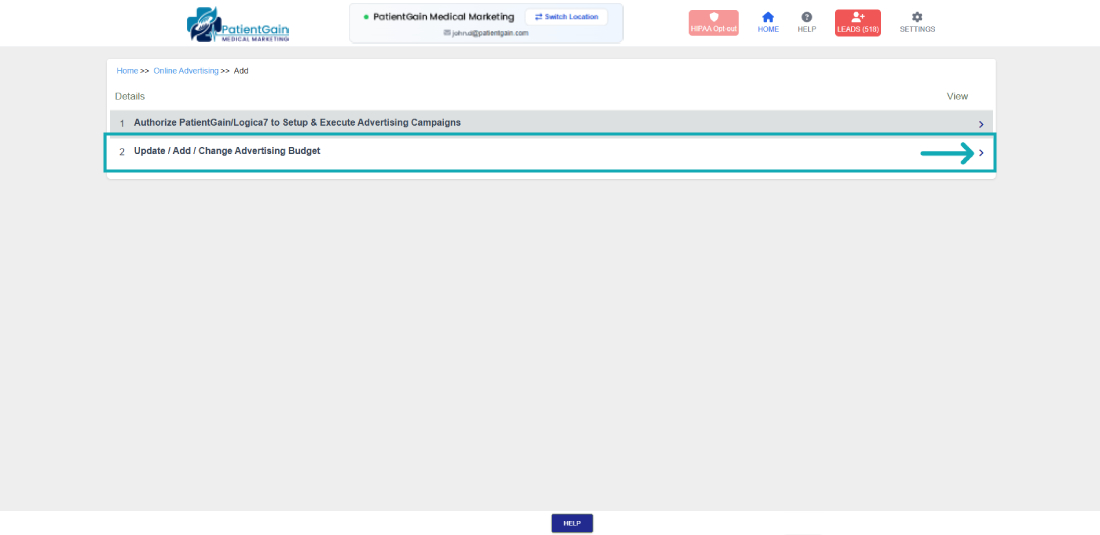
Then click on the second option “Update / Add / Change Advertising Budget”.
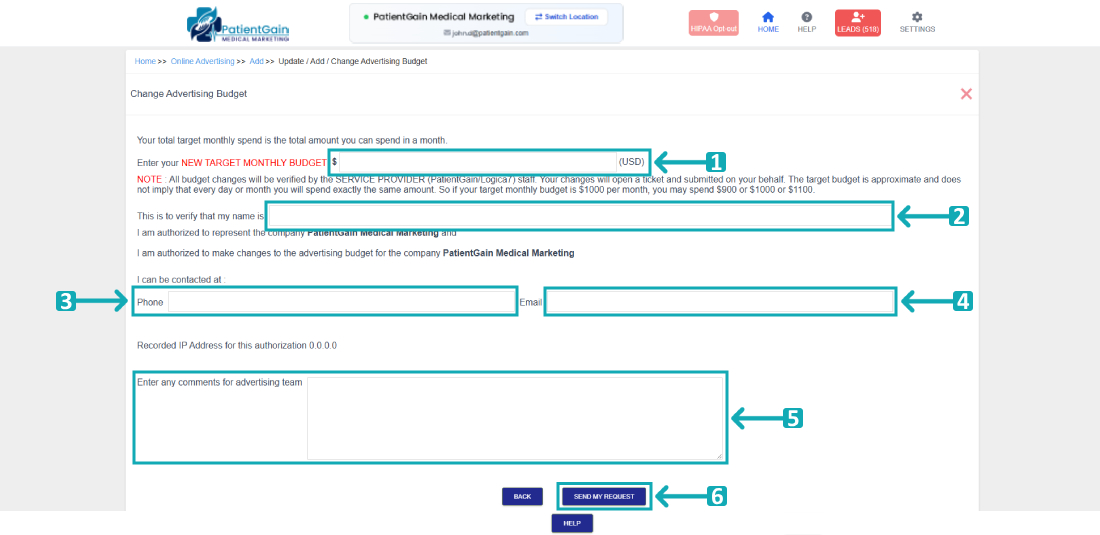
Now you will see the Budget Change Request form – Please fill out the following fields:
- Enter your new monthly budget.
- Enter your full name.
- Enter your phone number.
- Enter your email address.
- Enter your comments or extra notes for advertising team.
- Then click on “Send My Request” button.