How to Login/Logout Into HIPAA Server 2 From Desktop, Iphone, Ipad and Android
Login/Logout Into HIPAA Server 2 From Desktop, Iphone, Ipad and Android
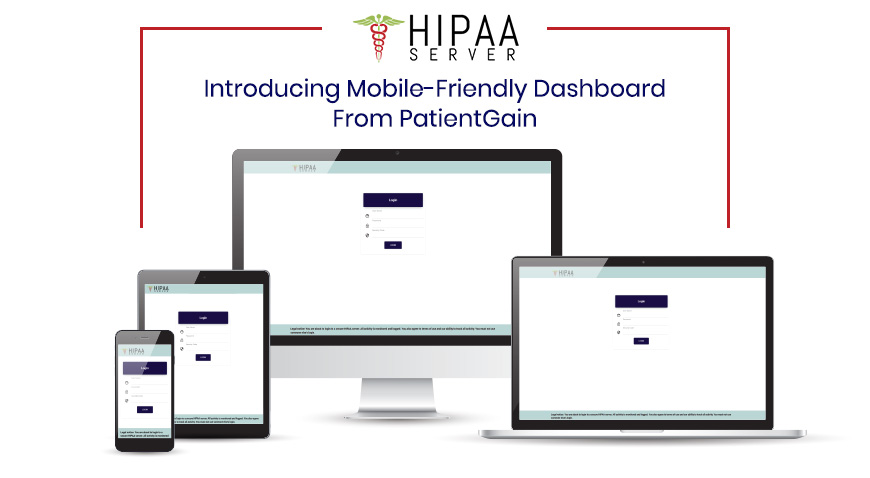
First Go to www.hipaaserver2.us
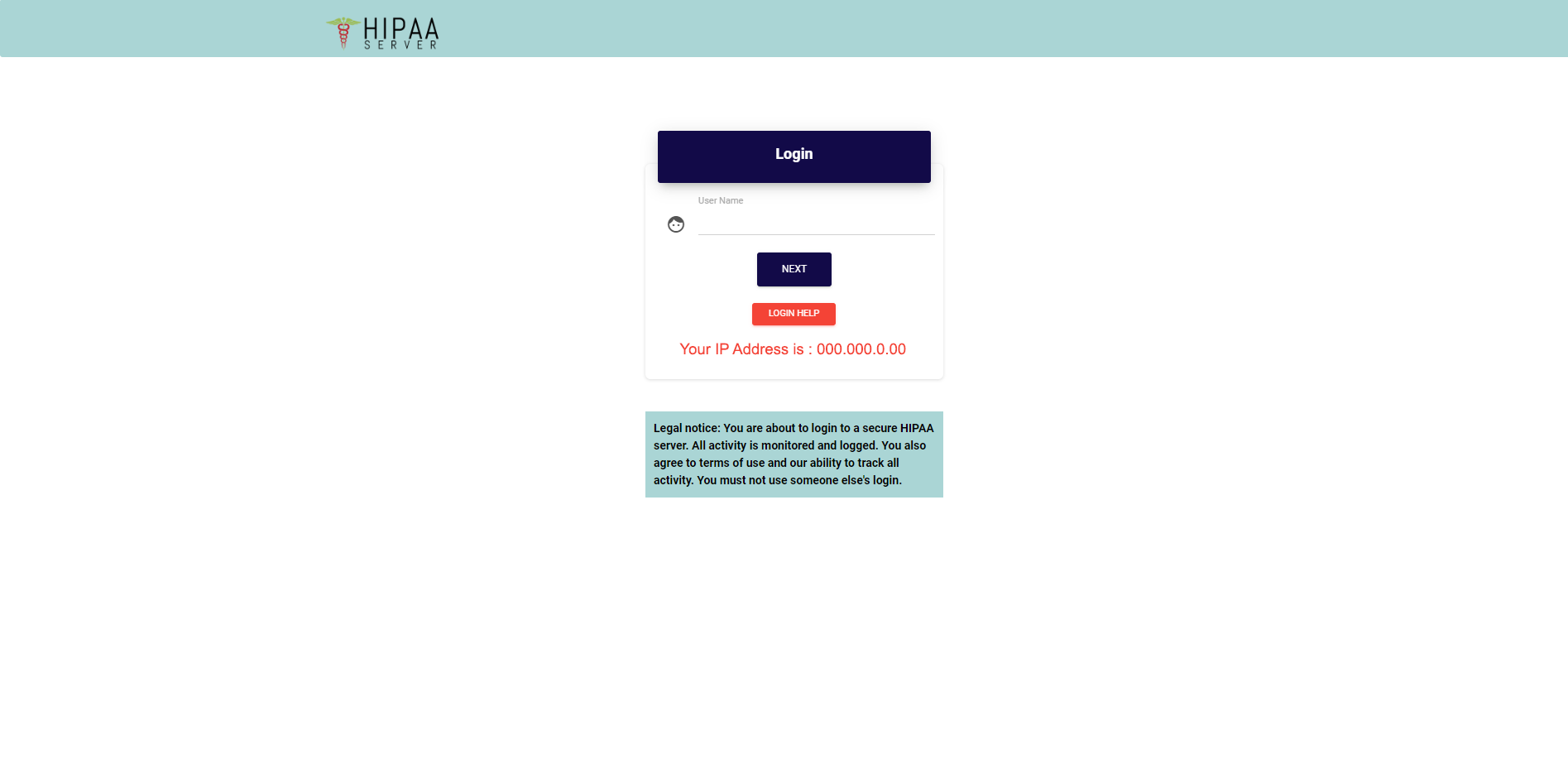
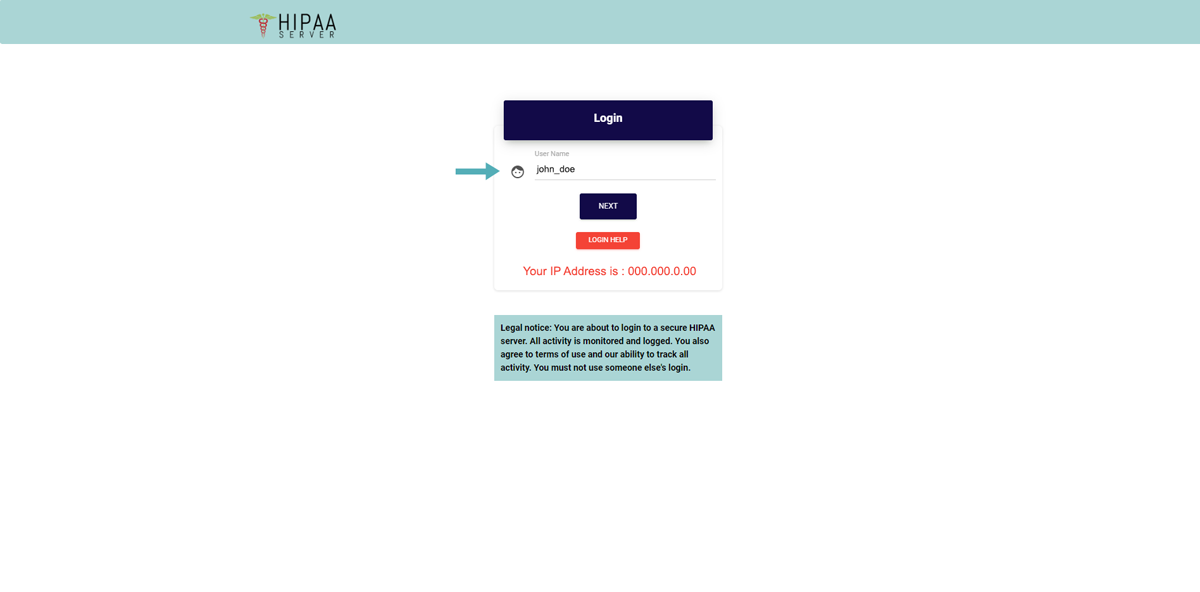
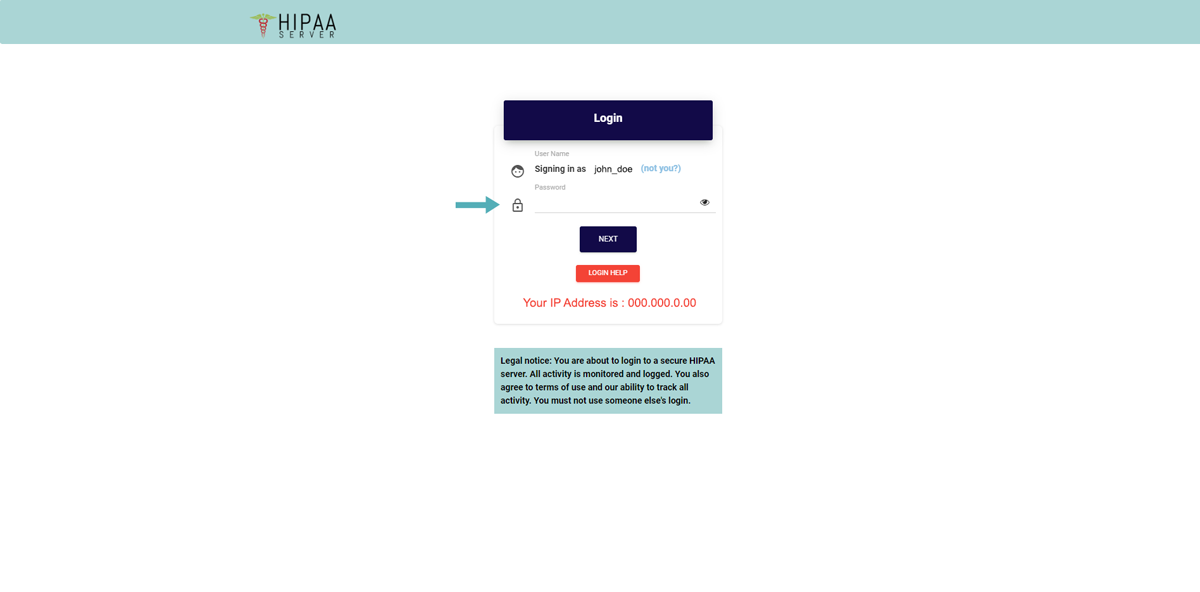
- First enter the “User Name” then click on “Next” button
Enter your “Password” and click on “Next” button
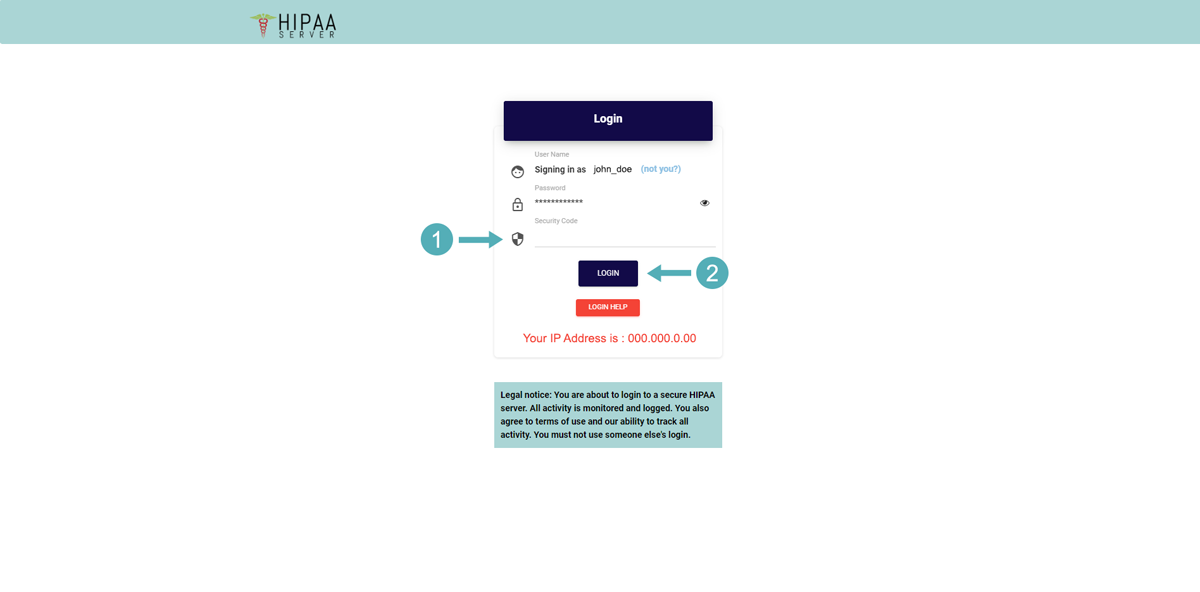
Enter the “Security Code” then click on “Login” button
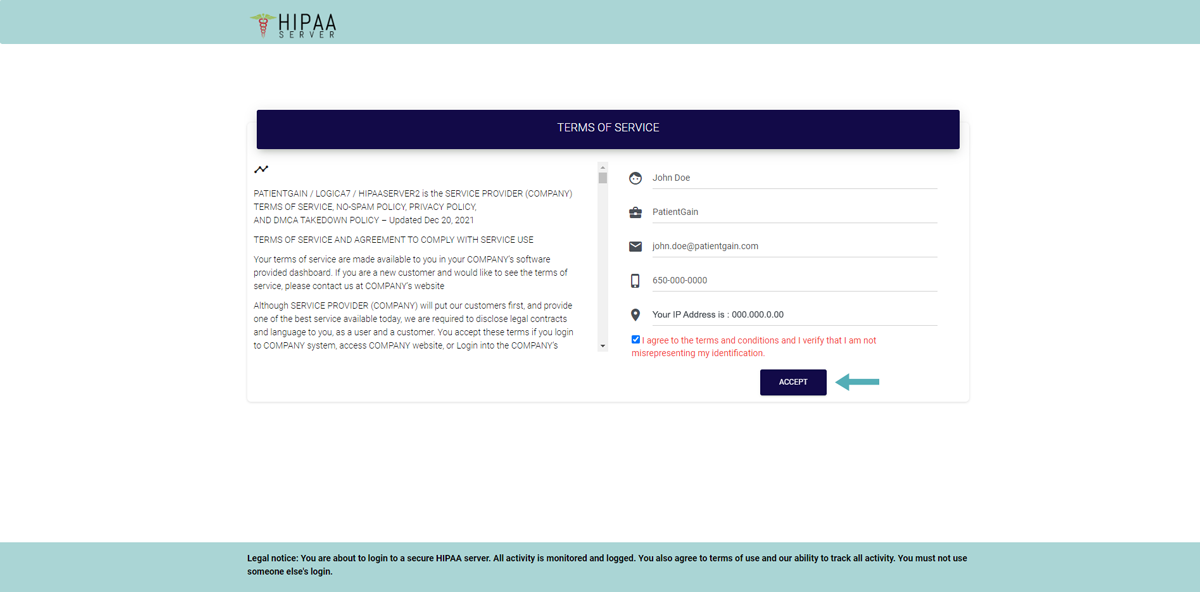
Fill all the required fields and enable the checkbox.
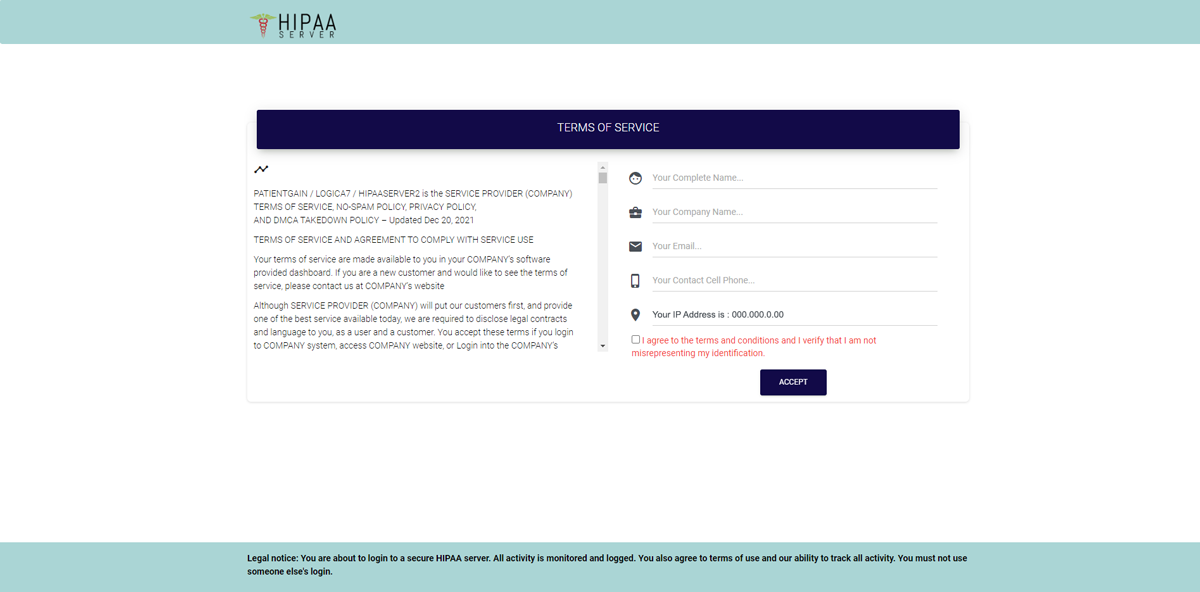
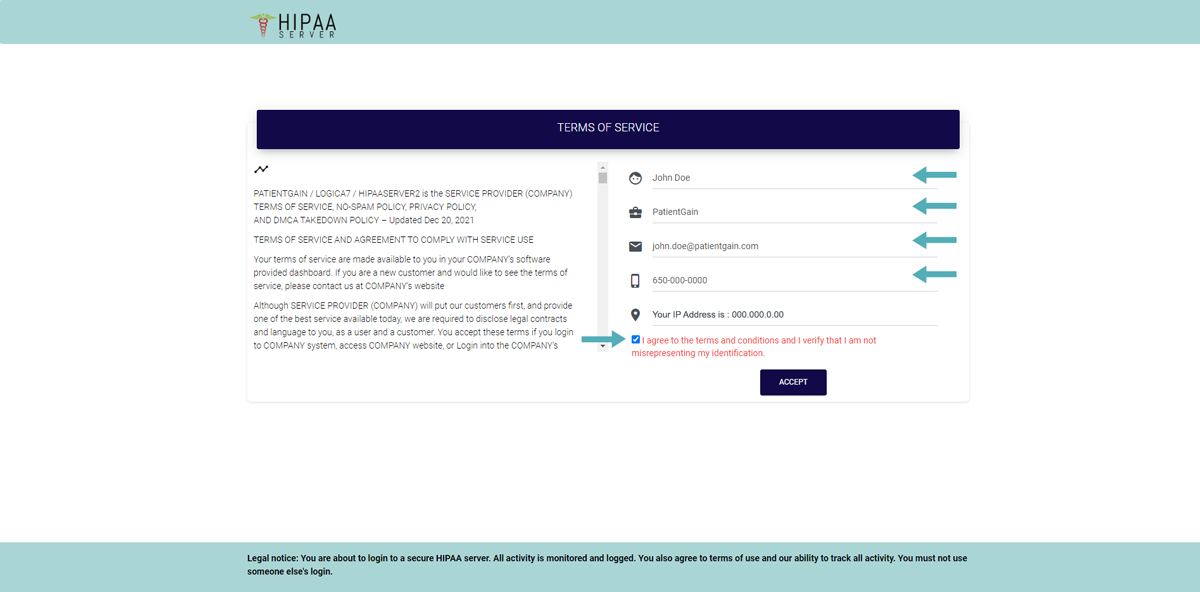
Now click on the “Accept” button.
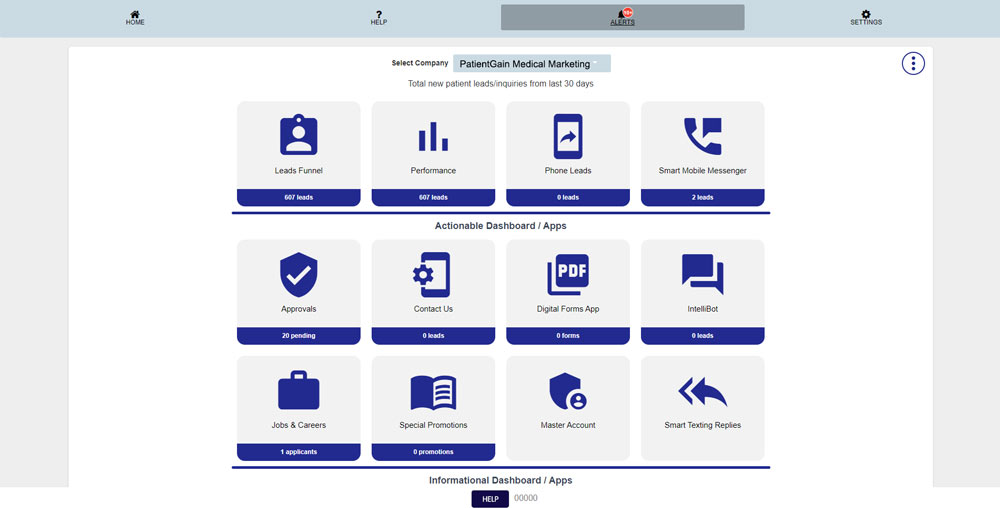
Once you have successfully logged into your account – You can start using your New Dashboard.
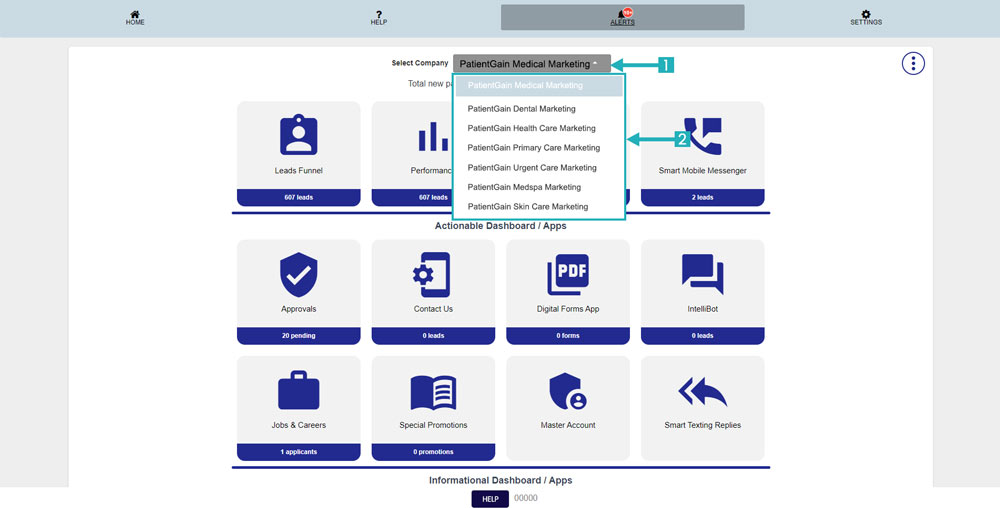
Additional Information for Multi Location Customers:
Once you have successfully logged in to your New Dashboard – You can easily switch between your Child Locations from the “Locations Dropdown Menu”.
User Log Out Guide
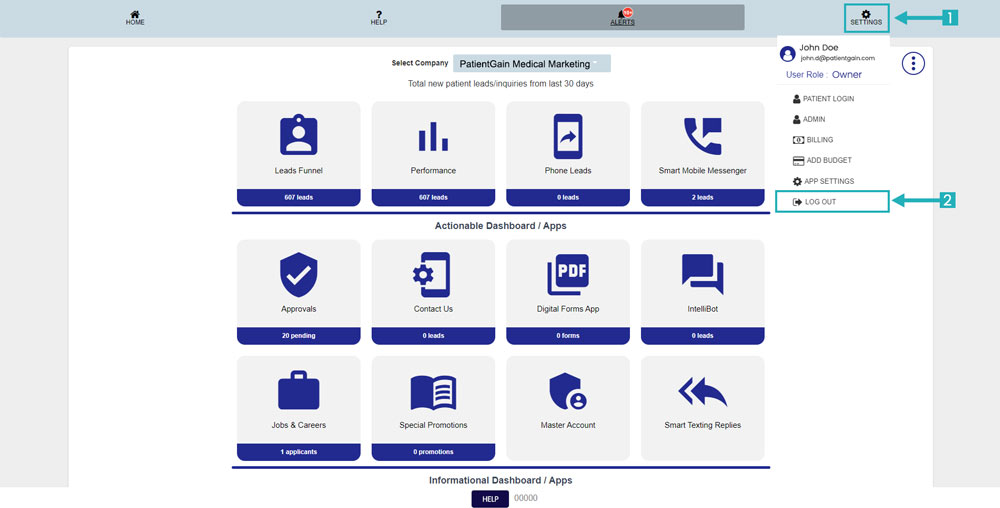
From your Main Dashboard – Click on the “Settings” icon from the Top right corner.
Then Click on the “Log Out” option.